Once in the Playback mode, press the LEFT or RIGHT direction buttons to scroll through the images on your
camera’s memory card. Photos appear with a JPG icon on the top left of the LCD screen .
Zooming In/Out on a Photo
Press the Up / Zoom In button to zoom in on a photo on your camera. Use the direction buttons to navigate
around the photo.
Press the Down / Zoom Out button to zoom out on a photo on your camera.
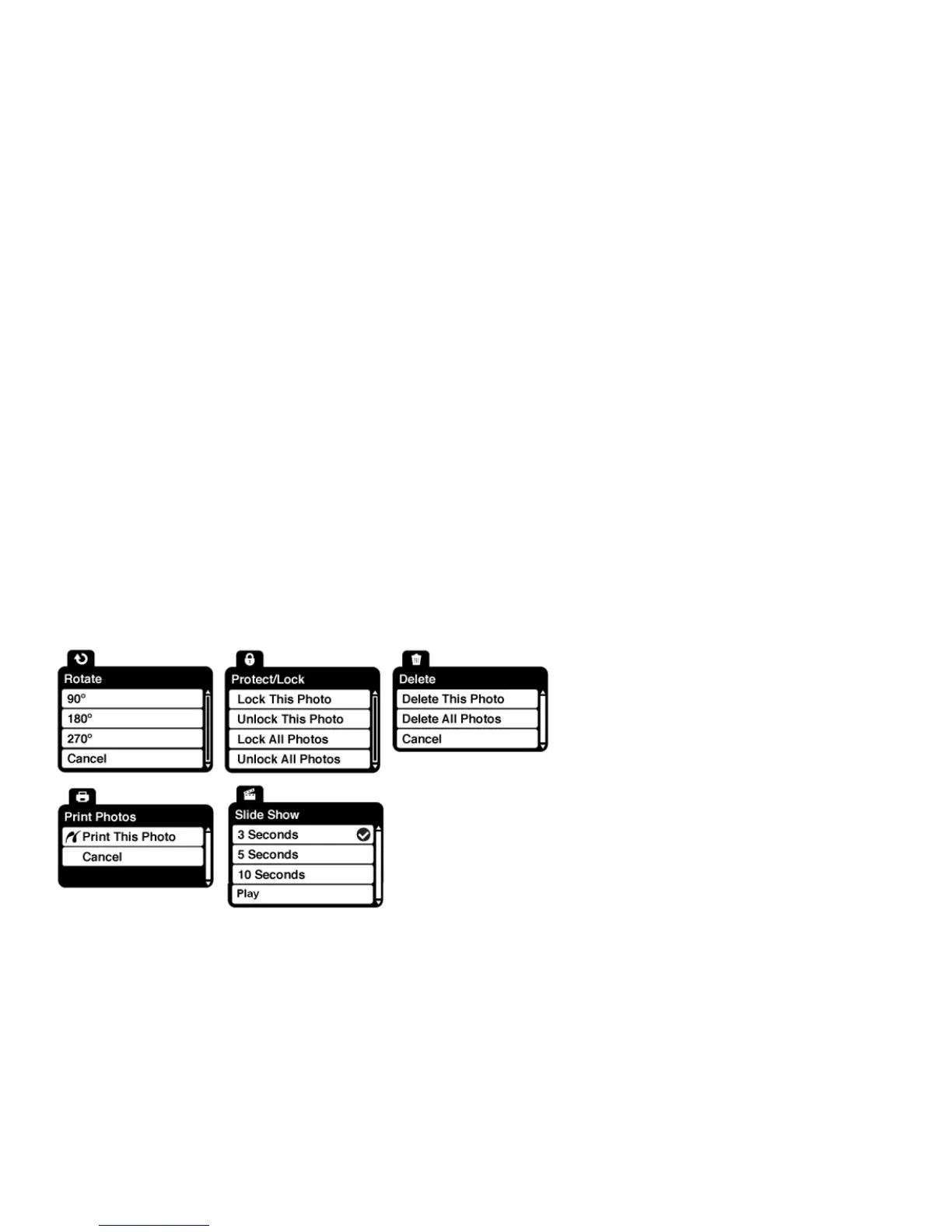
Photo Playback Mode Menus
The following are the menus that appear in your camera’s Photo Playback Mode. Press the MENU button for
the menus to appear.



 To Next Page