Video Playback Mode Button Functionality
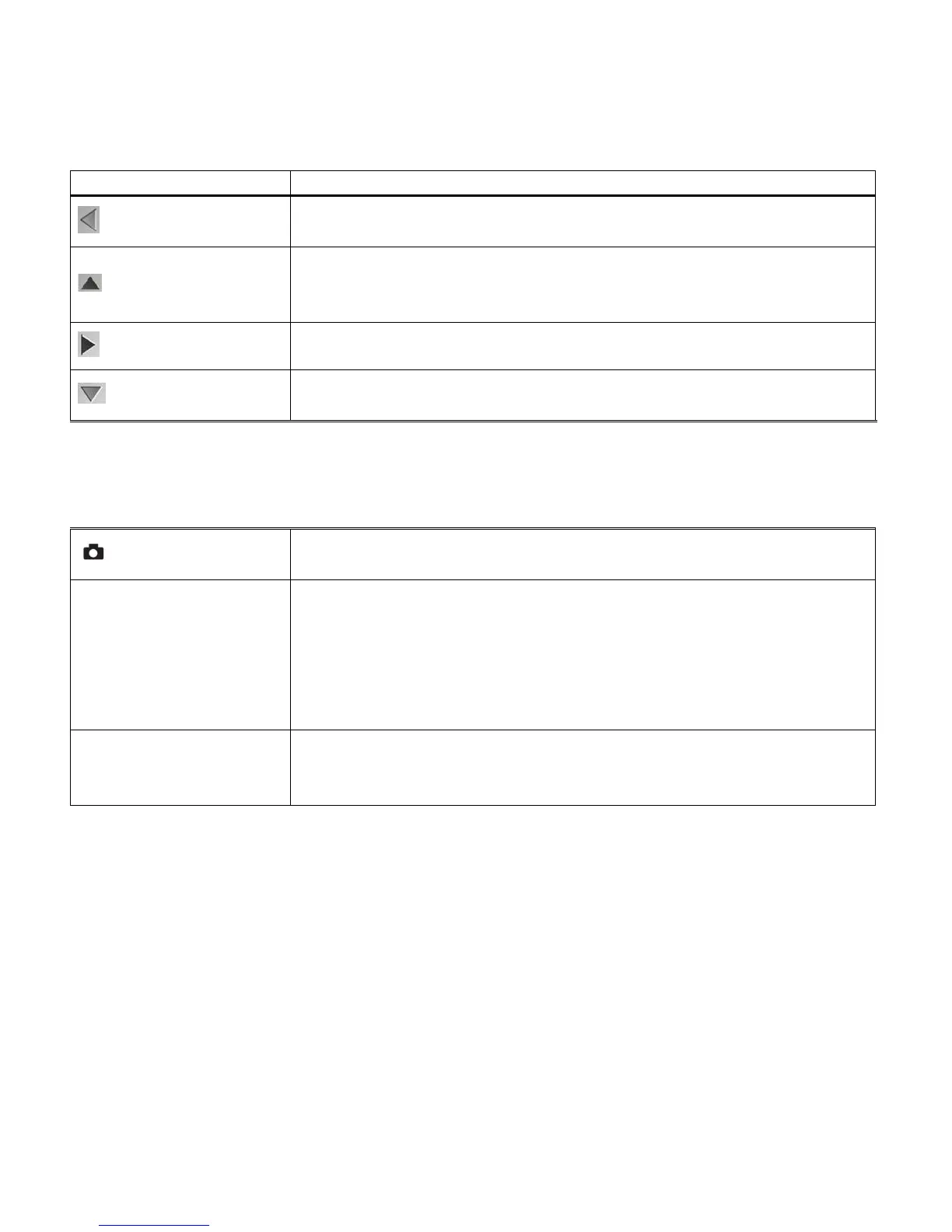
Your digital camcorder has a four-directional pad that functions as Quick Function buttons.
Opens Thumbnail view (when not playing a selected video).
Allows you to scroll through the images while in Thumbnail view.
Displays the PREVIOUS image (when not playing a selected video).
STOPS the video playback.
Allows you to scroll through the images while in Thumbnail view.
Allows you to scroll through the images while in Thumbnail view.
Displays the NEXT image (when not playing a selected video).
Allows you to scroll through the images while in Thumbnail view.
PLAYS the selected video file with sound.
PAUSES the selected playing video.
Opens the menu options for Video Playback Mode.
Saves your selected menu option.
In Thumbnail view, enlarges to full screen the selected thumbnail
image and exits Thumbnail view.
Note: To navigate through the Menus, use the Left, Up, Right, and
Down directions control buttons.
Toggles between the Video Capture Mode, Photo Capture Mode,
and Playback Mode.
Exits the menu screen.



 To Next Page