Video Resolution
Selection
Displays the icon of the selected Movie Size Setting.
The Movie Size options include:
HD 1280X720, 640 640x480
Video Counter /
Record Indicator
Standby Mode: Displays the amount of time
available for video capture as per selected video
resolution and memory card size.
Record Mode: Displays the elapsed time as the
video is being recorded and a red circle icon
appears. Note that all Standby icons do not
appear while recording is in progress.
Displays the zoom magnification amount as you
press Zoom In and Zoom Out. x1.0 – x4.0
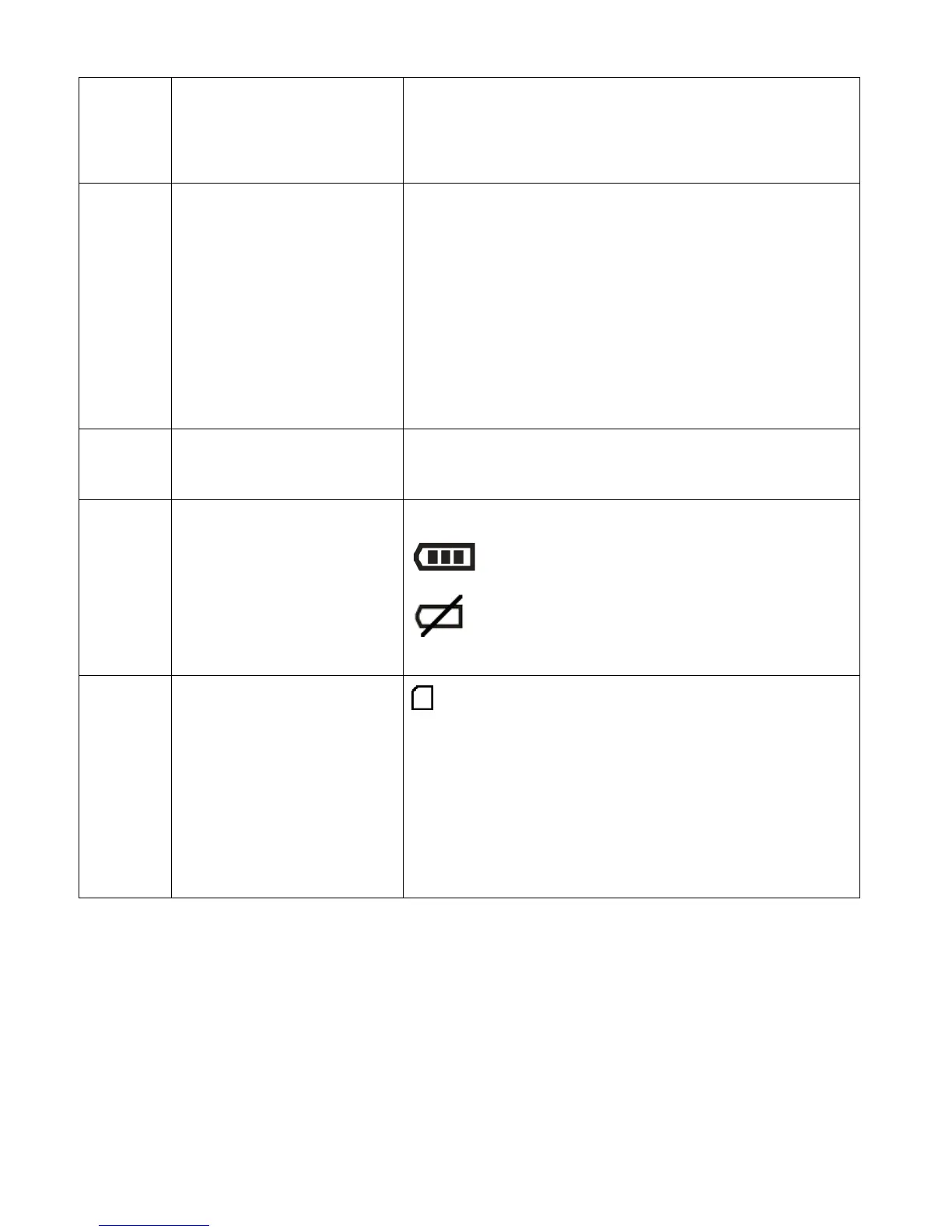
Displays the current status of the battery level.
The battery level is full.
The battery level is empty. Indication to
recharge the battery.
The Memory Card icon indicates that the memory
card has been successfully installed.
NOTE: A Micro SD Memory Card must be inserted to
use the camcorder. If no Memory Card is installed in
the camera, the camera will not be able to capture
videos and photos. ‘No Card!’ appears on the LCD.



 To Next Page