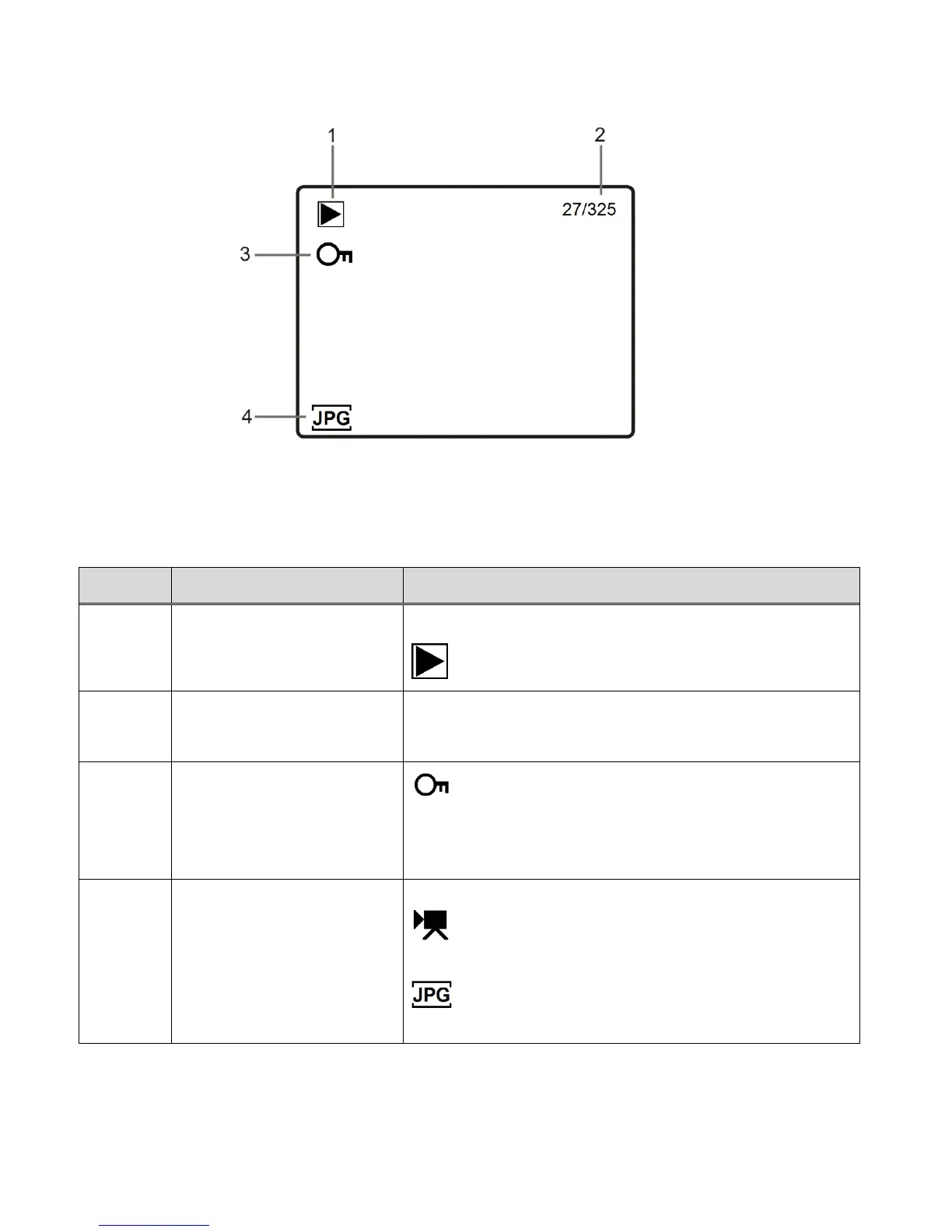
PHOTO PLAYBACK MODE LCD ICON STATUS DESCRIPTION
The following icons appear on the LCD screen and indicate the selected menu options and
camera status.
Displays the current selected Mode:
Video Playback Mode
Displays the current media file / total amount of
media files.
The lock/protect icon is displayed when the
selected file has been locked. If the selected file is
not locked, then no icon is displayed.
Displays the media type of the selected file:
The Video icon appears when the selected file
is a captured video.
The JPG icon appears when the selected file is
a captured photo.



 To Next Page