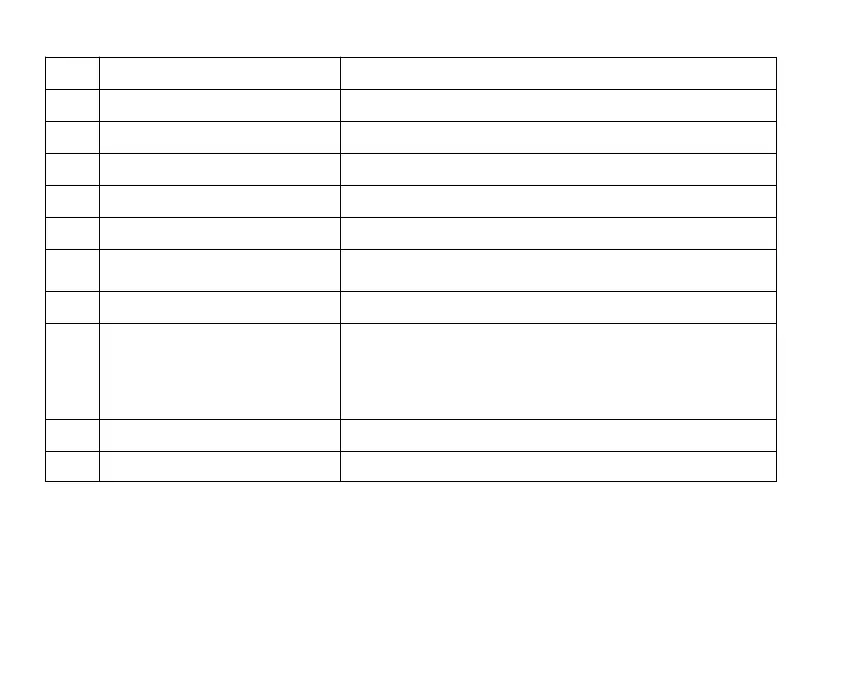
13
3 C ontinuous S hoot Mode
No icon appears if “ Off ” selected.
4 Flash Mode Up/Flash Button, Toggle through the flash options.
5 Focus Mode NO or MF
6 Micro SD memory card The card is inserted.
7 Number of available photos Shooting space.
8 Exposure Exposure value.
9 White Balance S elect other items according to the photo
environment or other needs , currently auto .
10 ISO Displays the selected ISO value, currently auto
11
Anti-Shake
The Anti-Shake feature reduces image distortion
that can be caused by movement of the camera
while capturing the image. ( No icon appears if “ Off ”
selected. )
12 Image size Current image size.
13 Battery Current battery status.







 To Next Page