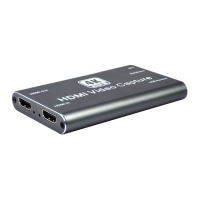
HDMI to USB Video Capture Device
11
Recording for Windows using VLC
VLC Media Player Initial Setting
The VLC Media Player also can be used for video capturing. Please visit
www.videolan.org/vlc/ to download VLC Media Player for Windows, Mac OS X or Linux.
For initial use, the hardware accelerated decoding must be set at “Automatic” to ensure
the best performance. Please following the instructions below to set the hardware
accelerated decoding.
1. Select “Tools”, and then click on “Preferences” at the drop down menu.
2. Click “Input/Codes”, and the select “Automatic” for Hardware-accelerated decoding,
and then “Save” to finish the initial VLC setting.


 To Next Page
 Loading...