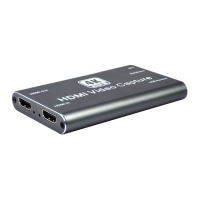
HDMI to USB Video Capture Device
15
VLC Media Player Recording
Note: We recommend using the “Convert/Save” method to record the video from the
device for best performance.
1. Select “Media”, and then select “Convert / Save” at the drop down menu.
2. Click “Capture Device” tab on the top right side.
3. Video device name should be “USB3.0 HD Video Capture” and audio device name
should be “Microphone (USB3.0 HD Audio Capture)”.


 To Next Page
 Loading...