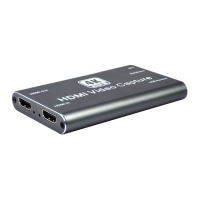
HDMI to USB Video Capture Device
18
9. Select “Display the output” check-box, and set the video format.
10. Then click “Browse” to choose where to save the destination file and enter the file
name.
11. Click “Start”, and the video and audio recording will start in approximately several
seconds.
12. To stop recording, simply click the square “Stop” button at the bottom control panel.


 To Next Page
 Loading...