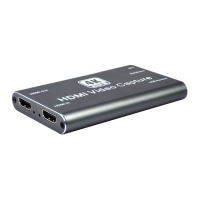
HDMI to USB Video Capture Device
6
4. Click “Start Recording” at “Controls” zone, and the video and audio recording will
start.
5. To stop recording, simply click the “Stop Recording”.
6. Select “File”, and then click “Show Recordings” at the top down menu. The saved
recording video file can be found.


 To Next Page
 Loading...