VIVOTEK
128 - User's Manual
■ Maximum le size
Specify the maximum le size allowed. Some users may need to stitch the video clips together when
searching and packing up forensic evidence.
■ File name prex
Enter the text that will be appended to the front of the le name.
For example:
Click Save media to enable the settings.
Media type - System log
Select to send a system log when a trigger is activated.
Click Save media to enable the settings, then click Close to exit the page.
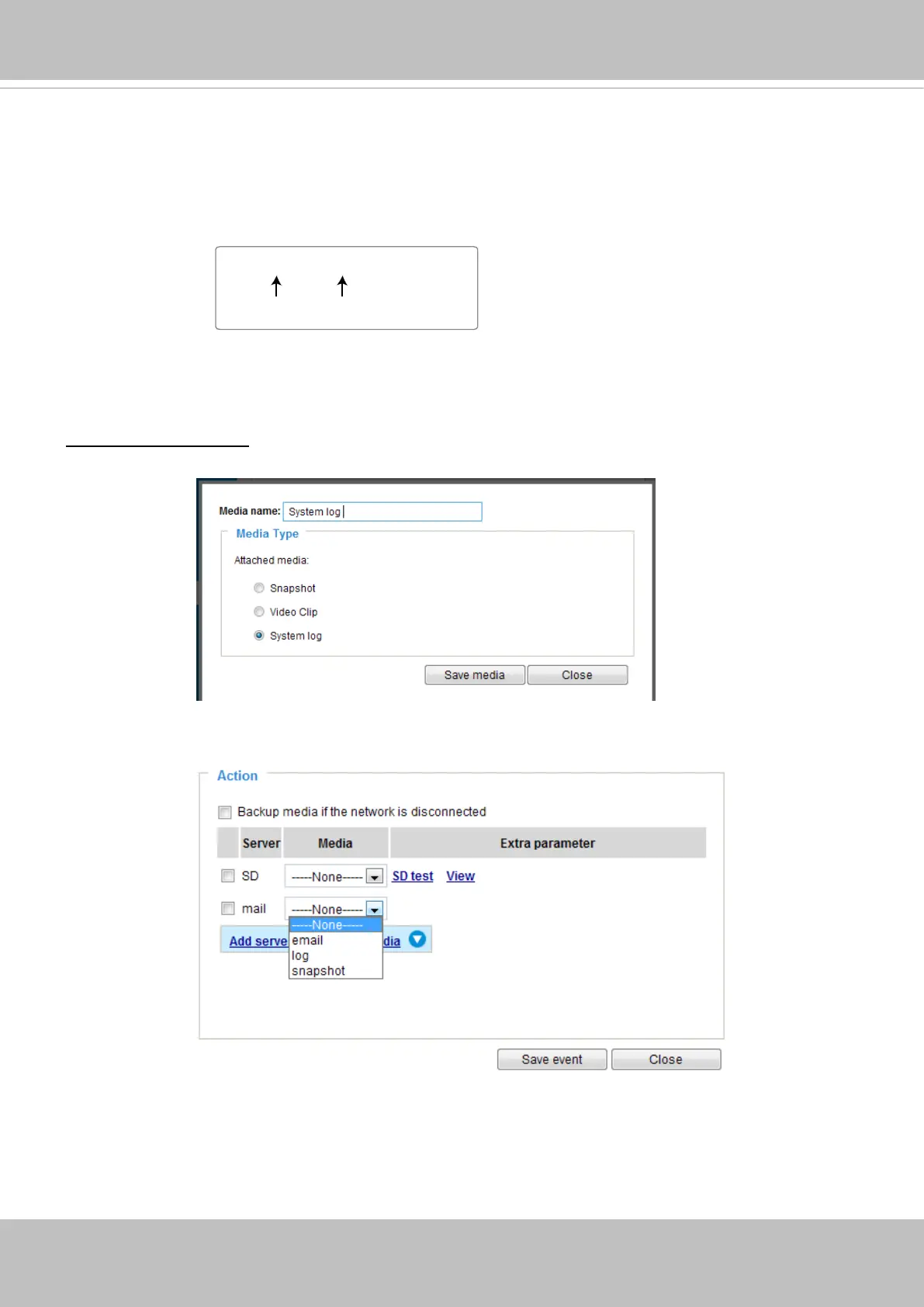
Video_20180513_100341
Date and time suffix
The format is: YYYYMMDD_HHMMSS
File name prefix









 To Next Page