14
When in a sheye Panoramic view, swipe to the left
or to the right to change the eld of view.
When in a fisheye Regional view, zoom in, place
your finger tip on the screen, and then drag your
nger across the screen in any direction to change
the eld of view.
If using a camera that does not have the PTZ mechanisms, tapping the button will bring up
the following message.
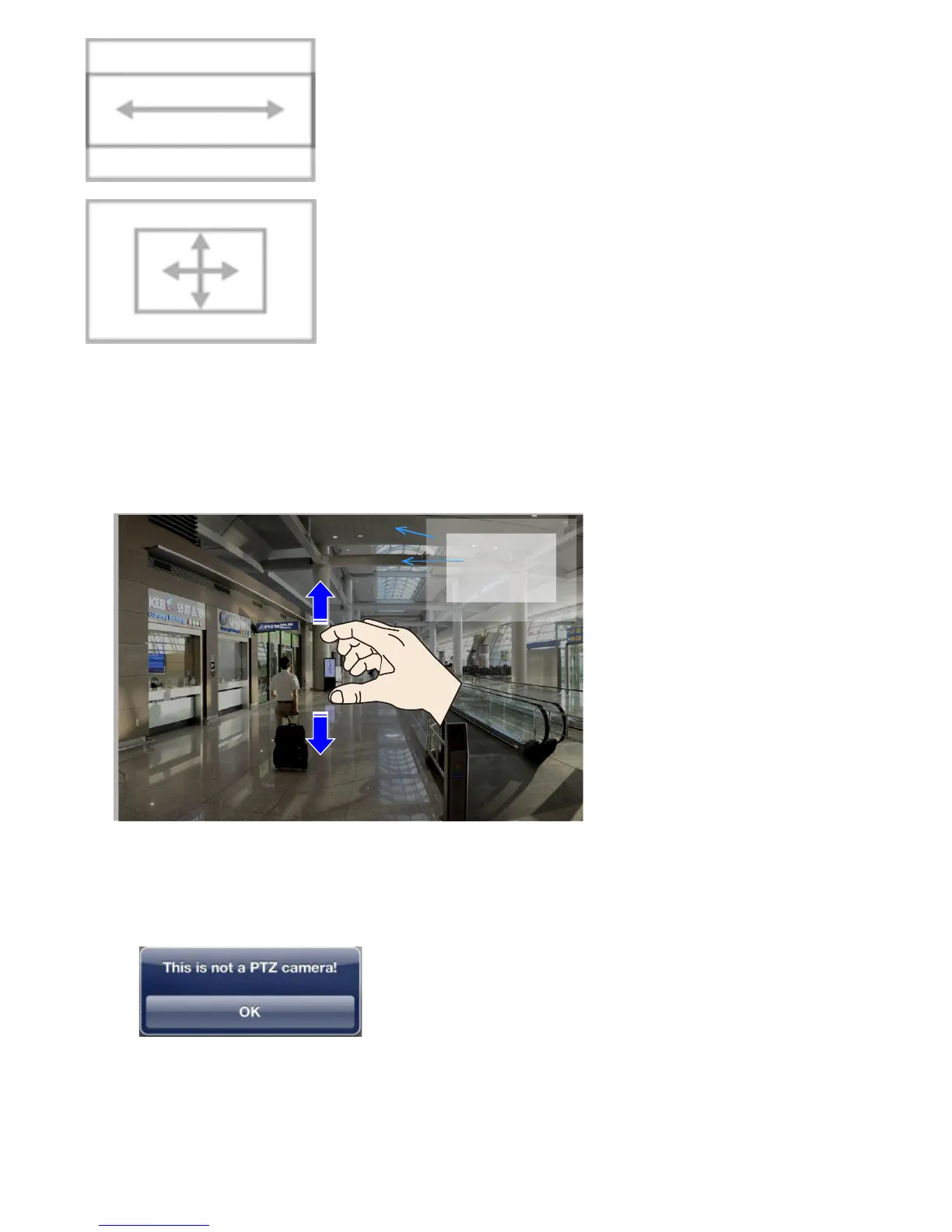
PiP (Picture in Picture): provides PiP control for cameras that do not have the PTZ
mechanisms. (such as a eld of view from a xed lens camera). Once zoomed in,
you can move the focus by nger-swiping in all directions, zoom in/out to explore the
regions within a wide angle of view. You can zoom in on a view cell without using the
PTZ button.
Full view
Current field of view
You need to zoom out to the
full extent before you can
swipe the screen to move
to the live view of another
camera.



 To Next Page