4
• Below are typical TCP ports for access to individual network cameras
Network General settings:
HTTPS = 443
FTP = 21
Streaming:
HTTP = 80
Secondary HTTP = 8080
RTSP = 554
RTP for video = 5556
RTCP for video = 5557
RTP for audio = 5558
• By default, the smallest resolution stream will be selected for display. In most
cases, it is the no. 3 for 3 stream models, or no. 3 for 4 stream models. If you
change the video stream on a "full-view" view cell, the stream selection will
automatically be saved into the layout conguration.
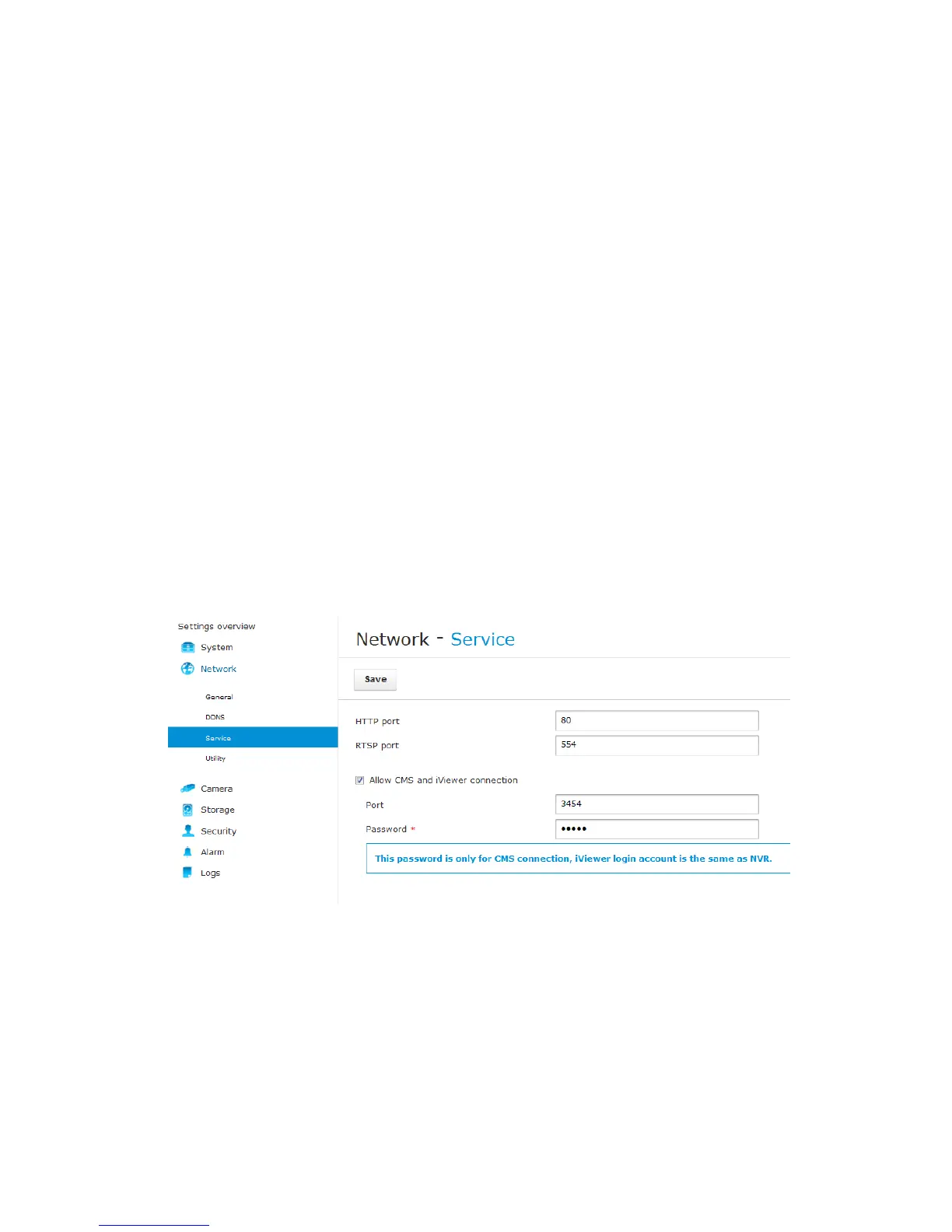
• To establish a connection with the NR8401, you need to enable the connection
on a web console via Network > Service. Select the "Allow CMS and iViewer
connection" checkbox, and enter the same password as that you use for login
to NVR console.



 To Next Page