6
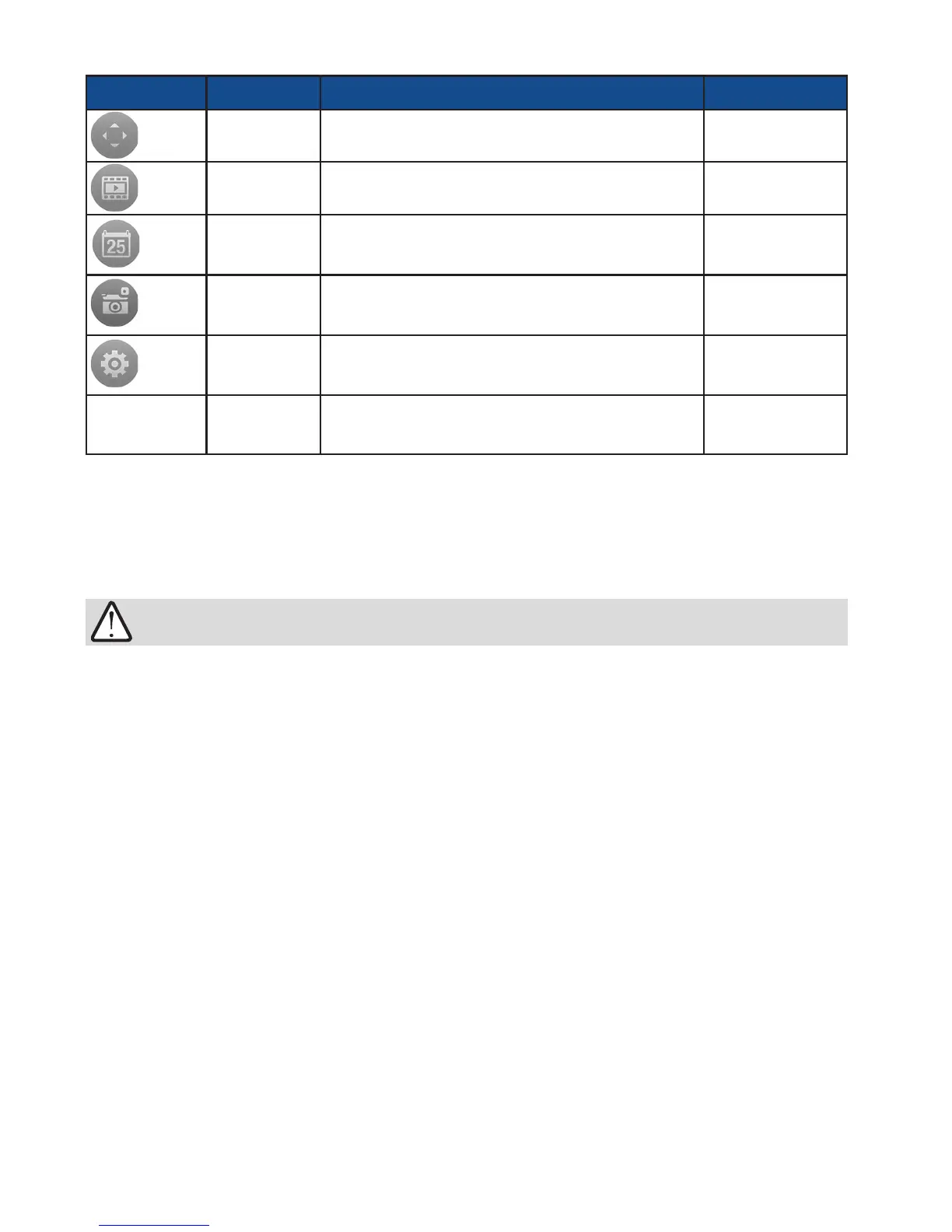
Icon Name Function Location
PTZ
Enters the PTZ mode
Enlarged view cell
Playback
Opens the Playback roller selector
Enlarged view cell
Playback
Time
This icon is shown when playing the past
recording.
Enlarged view cell
Snapshot
Takes a snapshot of the current screen
Enlarged view cell
Conguration
Enters the camera conguration screen
Enlarged view cell
Since wireless connection and video streaming consume considerable power, you should
leave the iViewer when you are not watching the live view. Press the Home button to leave
the iViewer.
IMPORTANT:



 To Next Page