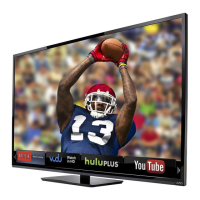
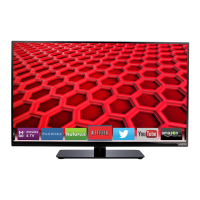
To start an App, use the Left/Right Arrow buttons to highlight an
App from the App Bar and press OK.
The highlighted App is in the lower left corner of the screen.
3
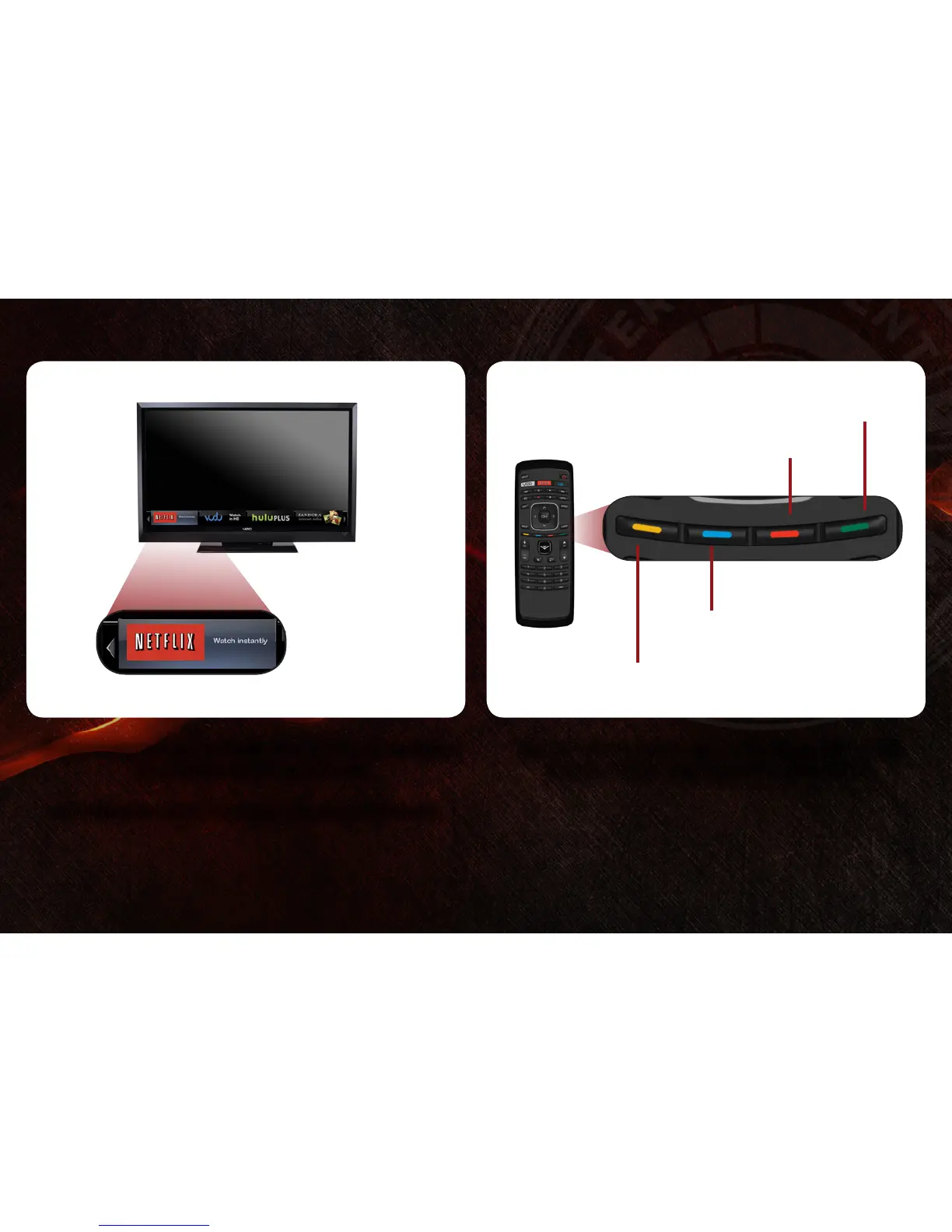
Once you have started an App, use the Arrow, OK, and VIA
Shortcut buttons on the remote to control the App.
Move/Delete App from VIA Dock
Change Screen Size
(when VIA Sidebar is open)
View Settings for Active App
Exit App/Exit VIA Dock
2
Highlighted App

 To Next Page
 Loading...