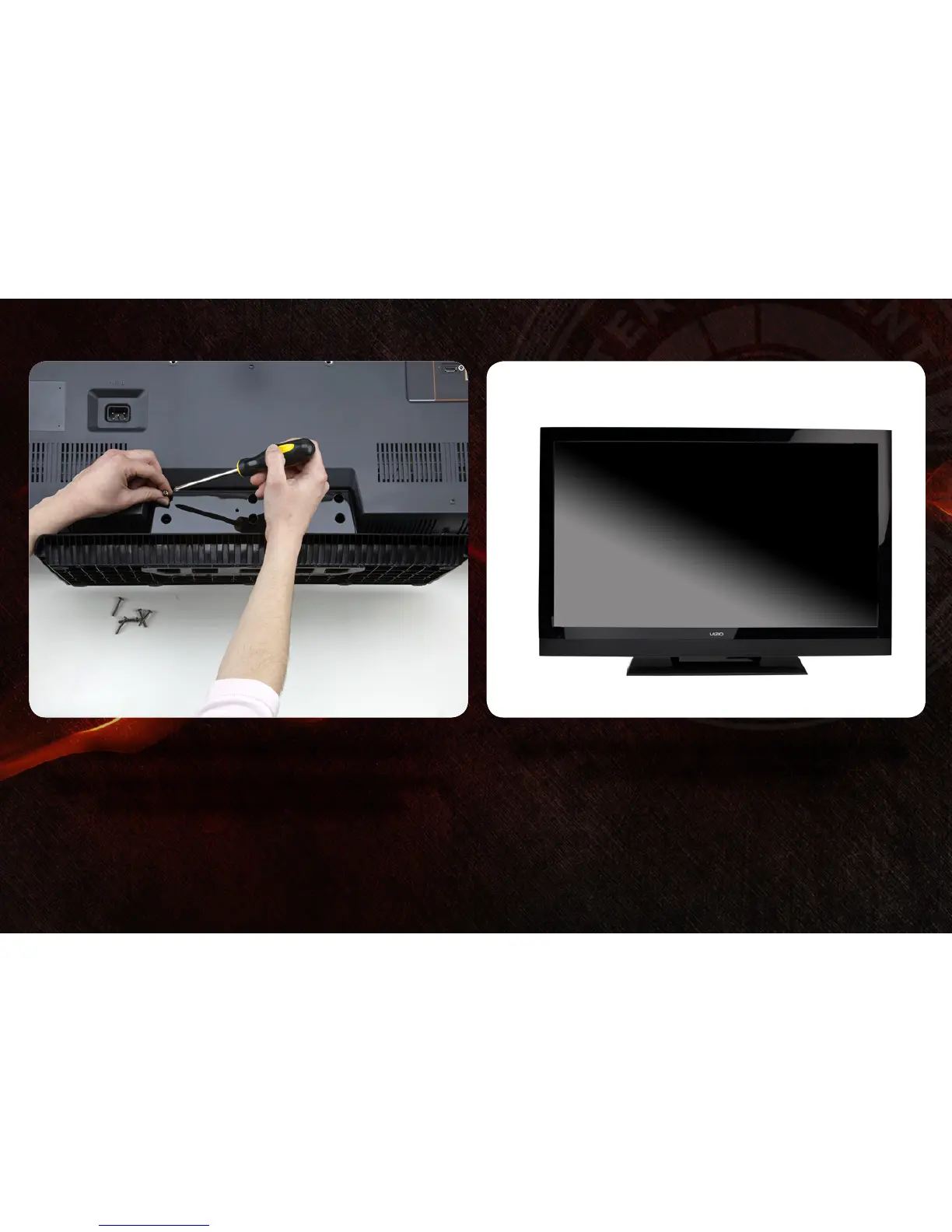
Align the stand with the holes on the back of the TV.
Using a philips-head screwdriver, attach the base to the TV by
inserting and tightening the 6 included screws.
2 3
Move the TV with attached stand into an upright position and
place on a flat, level, and stable surface.


 To Next Page
 Loading...