English - 11
IR Remote
Easy Setup
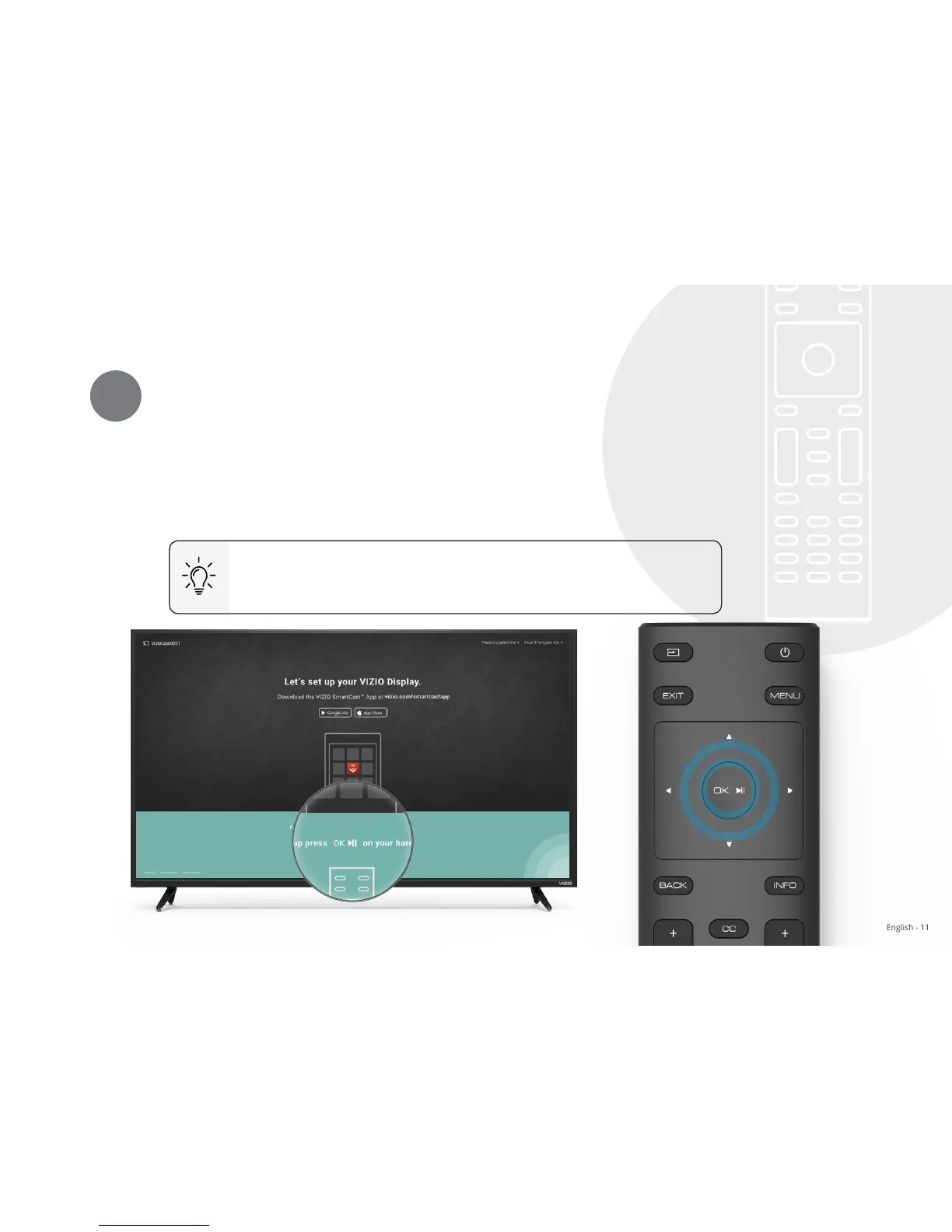
Press OK on Your IR Remote
1
Press the OK/Play key on your IR remote during the initial setup screen to setup your
Display using only the provided remote.
The VIZIO SmartCast
™
App is still VIZIO's recommended setup method. Please note that
a mobile device (not included) is still required to cast content from apps like Netix and
YouTube.
Go to page 7 for instructions on how to setup your Display
using the VIZIO SmartCast
™
App on a mobile device.


 To Next Page