English - 13
OR
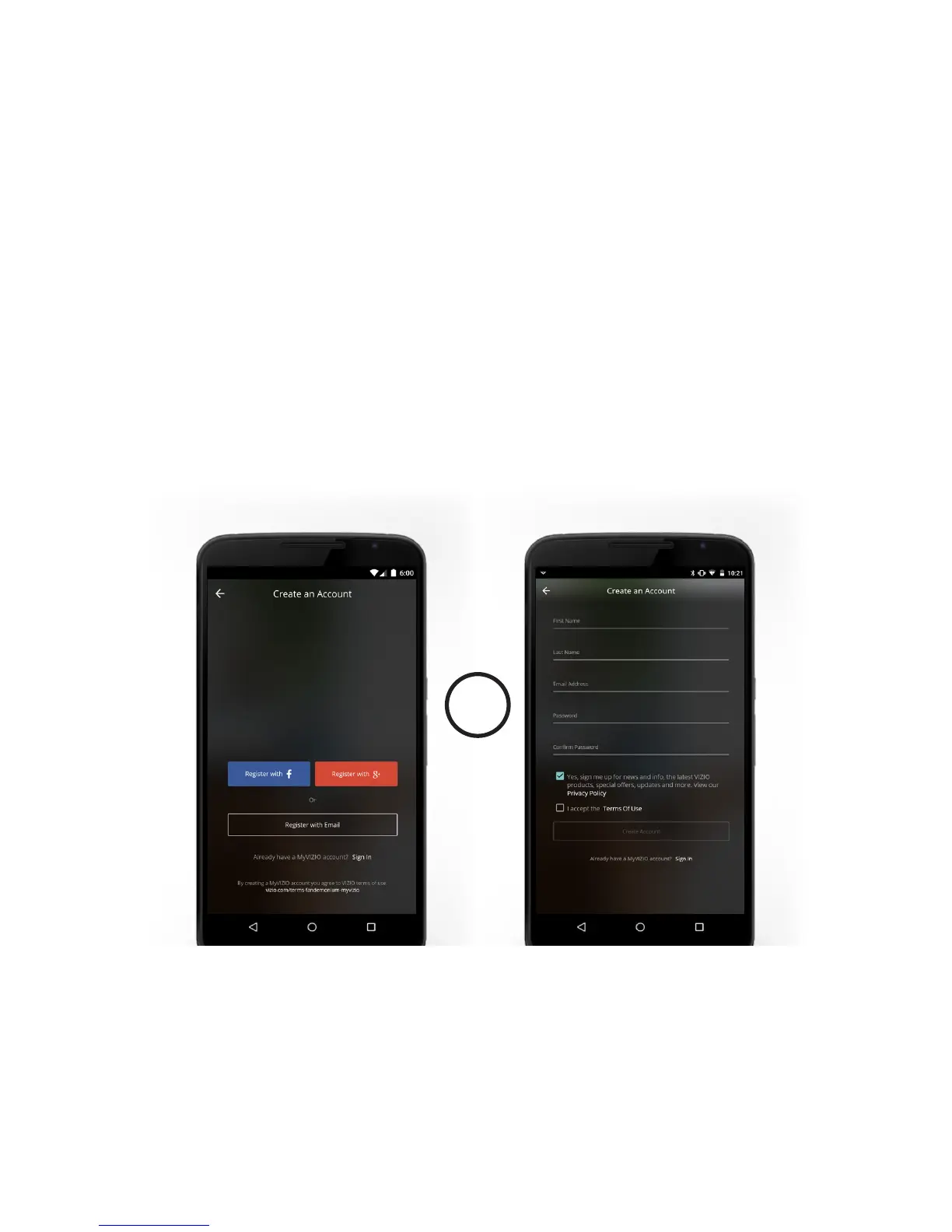
You will need to login to take full advantage of VIZIO SmartCast
™
. If you do not have an account, you can
sign up for free. A VIZIO SmartCast
™
account will let you connect all your subscriptions and manage all
your content in one place.
1. Open the VIZIO SmartCast
™
App.
2. Tap the Create an Account button or Sign In to log into your account.
Account Setup
Using the VIZIO SmartCast
™
App


 To Next Page