English - 8
Plug in Your Display
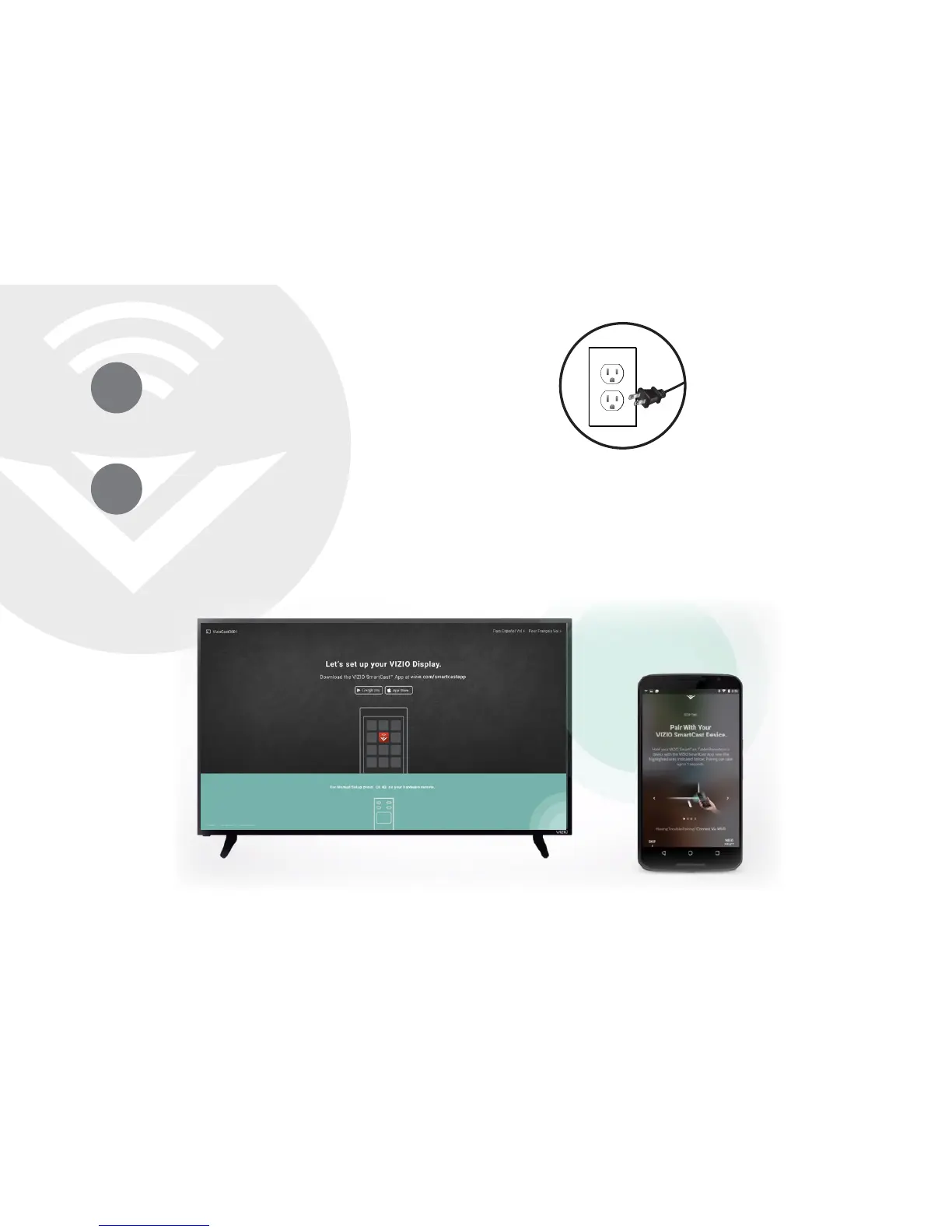
Plug your Display into a power outlet and turn it on.
2
Pair Your Mobile Device to Your Display
Open the VIZIO SmartCast
™
App on your mobile device and follow the on-screen
instructions to pair it with your Display. The VIZIO SmartCast
™
App lets you control
your E-Series settings and browse all your favorite content in one app. The VIZIO
SmartCast
™
App lets you power on/o, adjust the volume, switch inputs, cast
content to the big screen and much more —from any room in your home.
3


 To Next Page