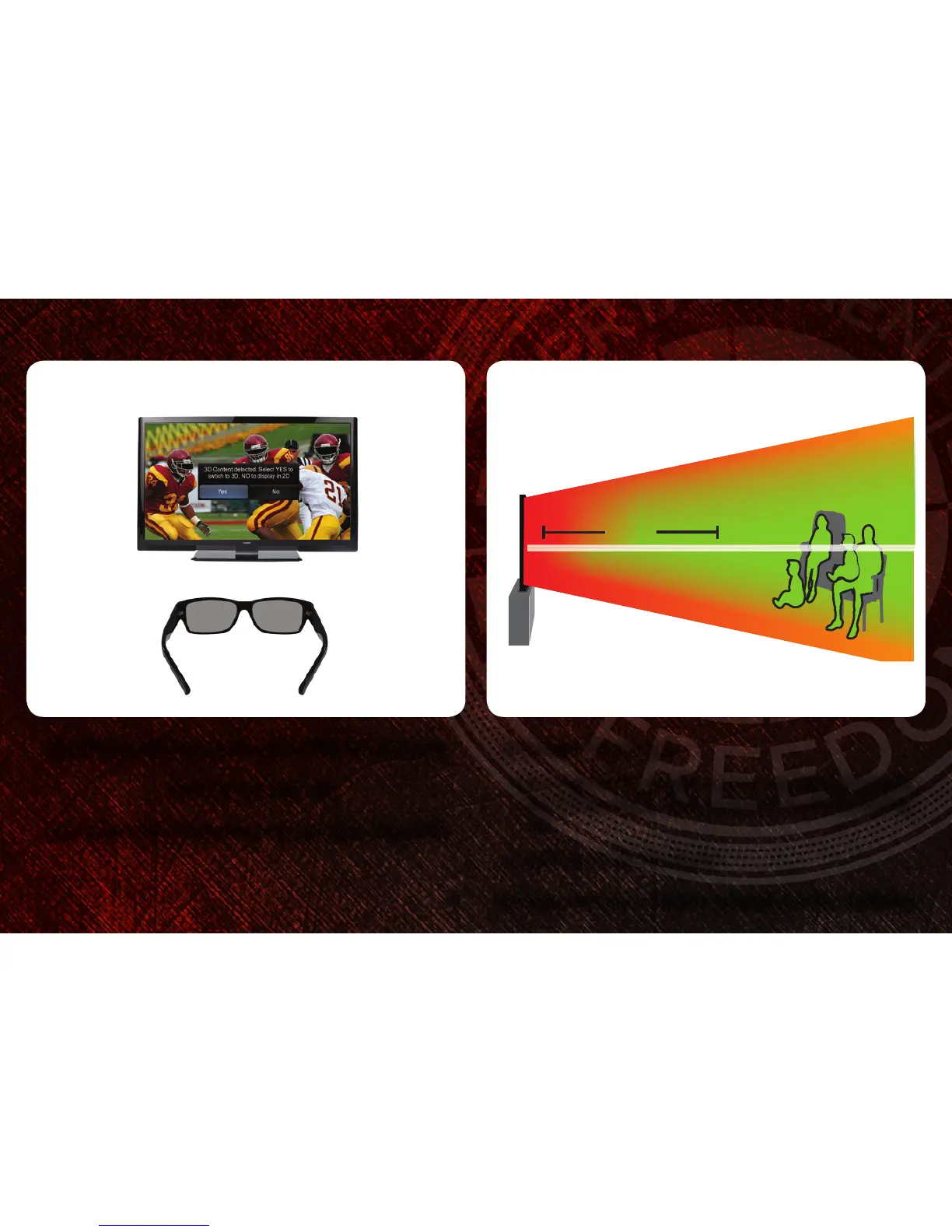
The 3D HDTV asks if you would like to watch the movie in 3D.
Select Yes and press OK.
Put on your VIZIO Theater 3D glasses and enjoy Theater 3D!
For the best 3D experience:
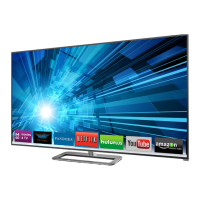
•TrytoviewtheTVstraight-on, as shown above. Do not view
the TV at an extreme angle, as some of the 3D effect will be
lost.
•Sitatleast6 feet from the TV.
For more detailed information on viewing 3D, see the User Manual.
43
6’



 To Next Page