3
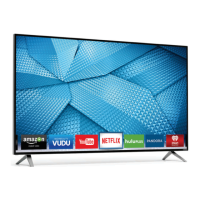
Your V.I.A Dock has many popular apps pre-loaded, but you can add more at any time.
To discover and add new apps to the Dock, open the Widget Gallery app.
Highlight Categories and press
OK.
When you’ve found an app you
want to add to the Dock, highlight
Add Widget to My Profile and
press OK.
A list of app categories is
displayed. Select a category and
browse through the available
apps.


 To Next Page
 Loading...