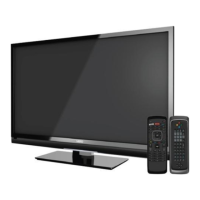
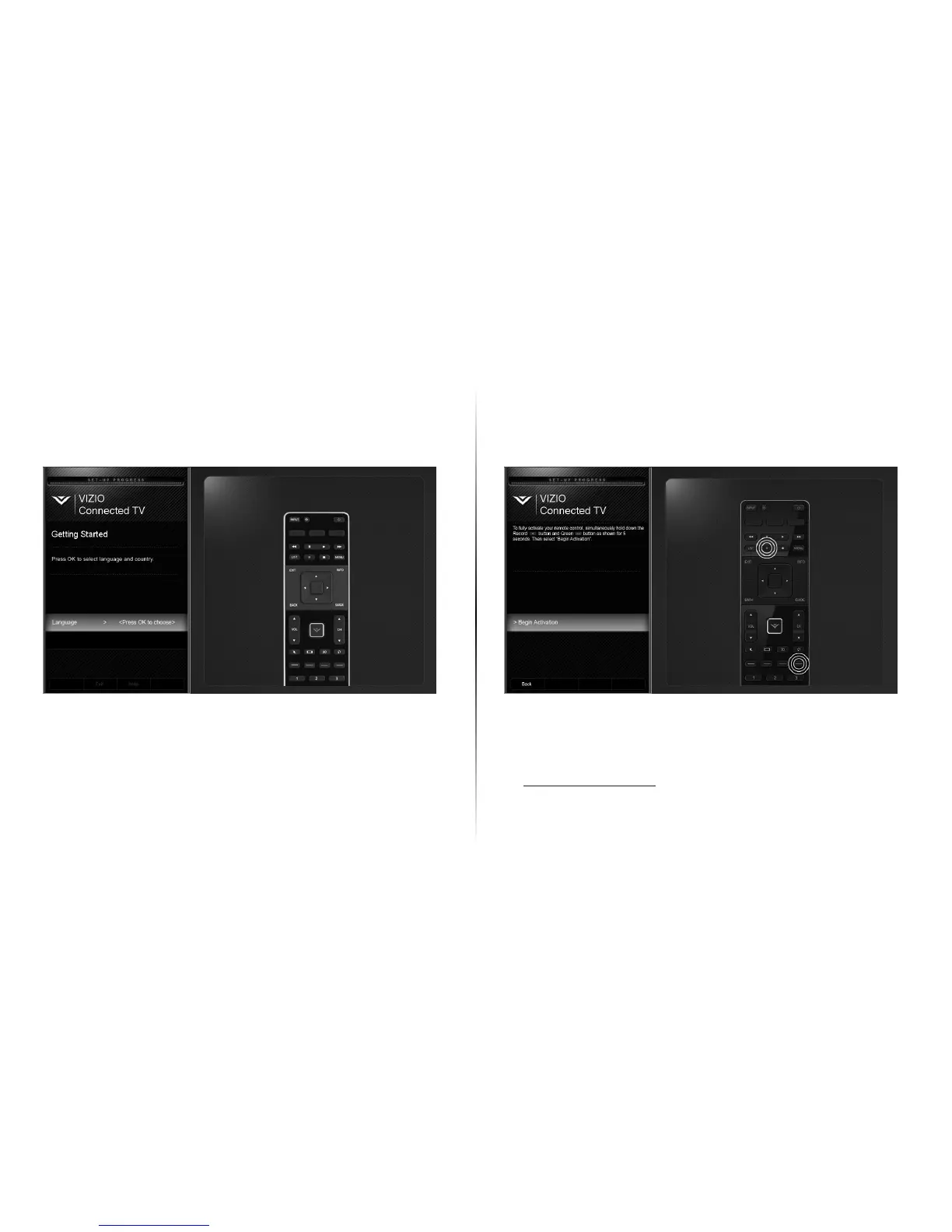
Use the Arrow buttons on the remote to select
your preferred language and country
and press OK.
5 6
Press and Hold the red Record button and
green hot key button for 5 seconds to pair the
Wi-Fi Direct remote.
Use the Up/Down Arrow buttons to highlight
Begin Activation and press OK.
Follow the on-screen instructions to complete
the First-time setup.


 To Next Page
 Loading...