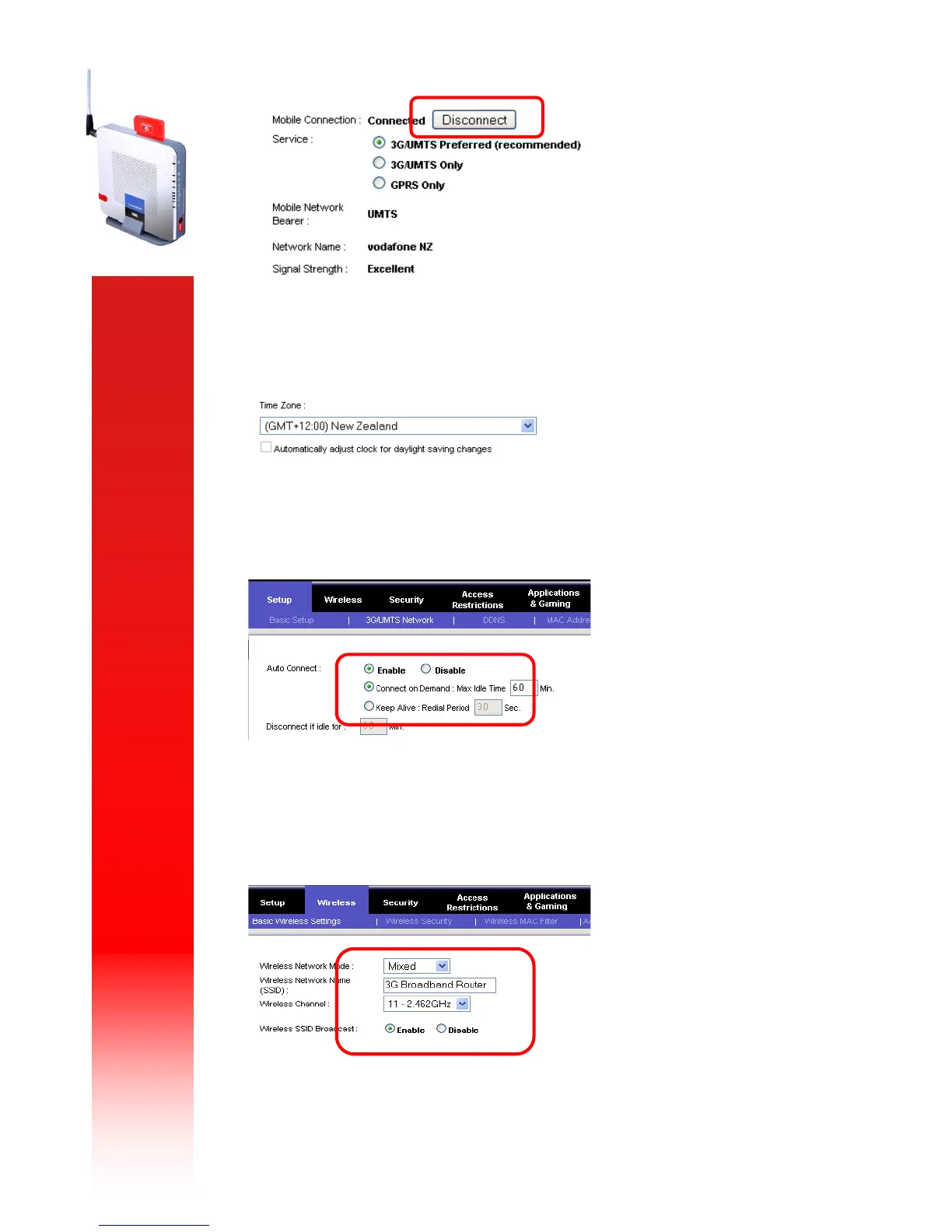
This screen also allows you to set your time zone. Scroll to the bottom of the main screen and
select your time zone from the drop-down box as below:
Select the “3G/UM TS Network” tab – this will allow you to configure settings such as Auto
Connect and view details of your card:
Select the “Wireless ” tab. If you wish to use WiFi change your SSID (this is the broadcast name of
your wireless network), select “Ena ble” to activate WiFi and select your network type (Mixed
supports both 802.11 B & G):



 To Next Page