10
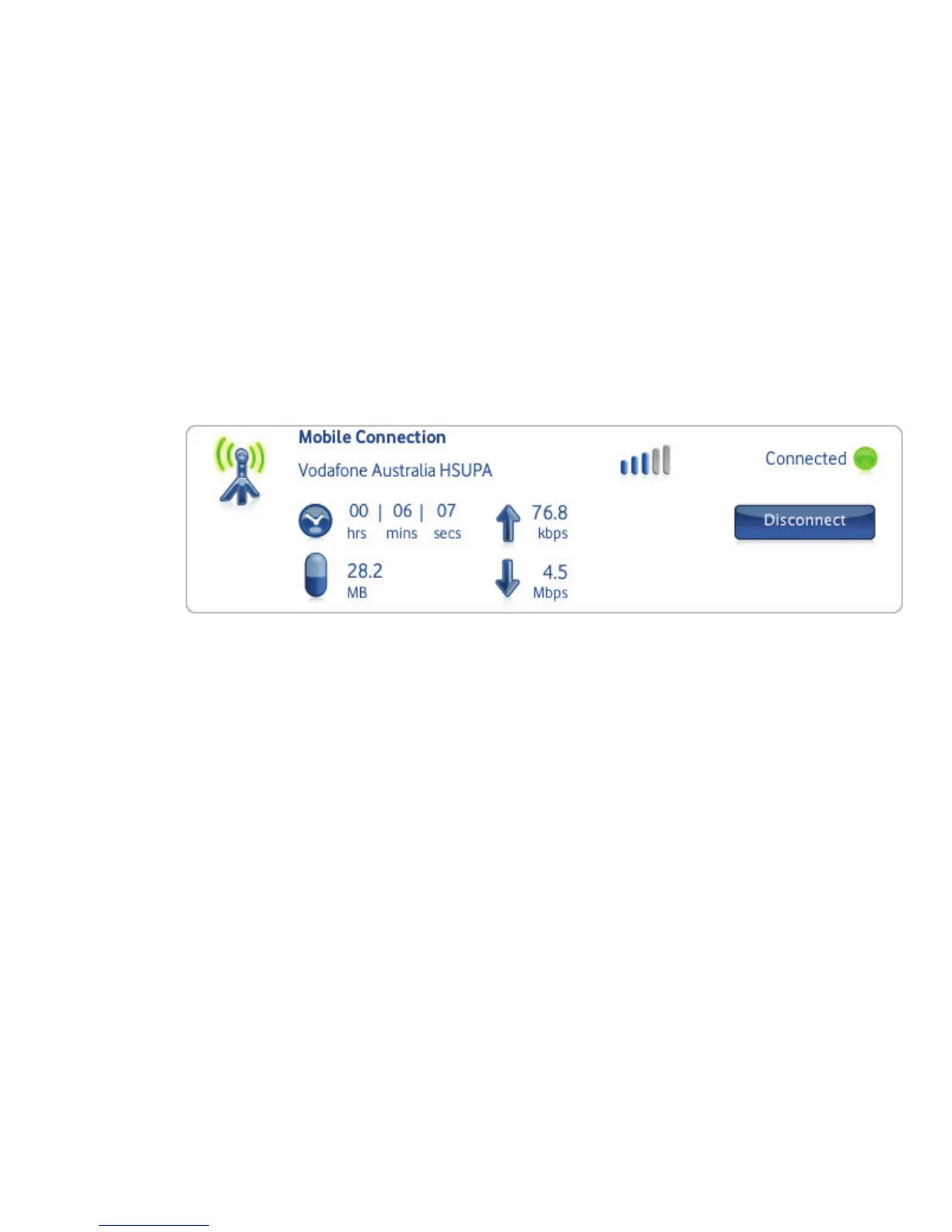
If a mobile network has been found, the Connect button
in the
Mobile Connection panel will be enabled. Clicking
Connect connects to the internet across the mobile phone
network. Now you can browse the web or use email.
When connected, the Connect button text changes to
Disconnect and a green ‘Connected’ indicator appears above
the button.
Clicking the Disconnect button will close the connection
– and the text on the button will revert to Connect.
To open a mobile connection, you need to be within
coverage of a mobile network. As a rule, anywhere you can
make a call on your phone, you should be able to connect.
Connect
(Mac OS X)



 To Next Page