2
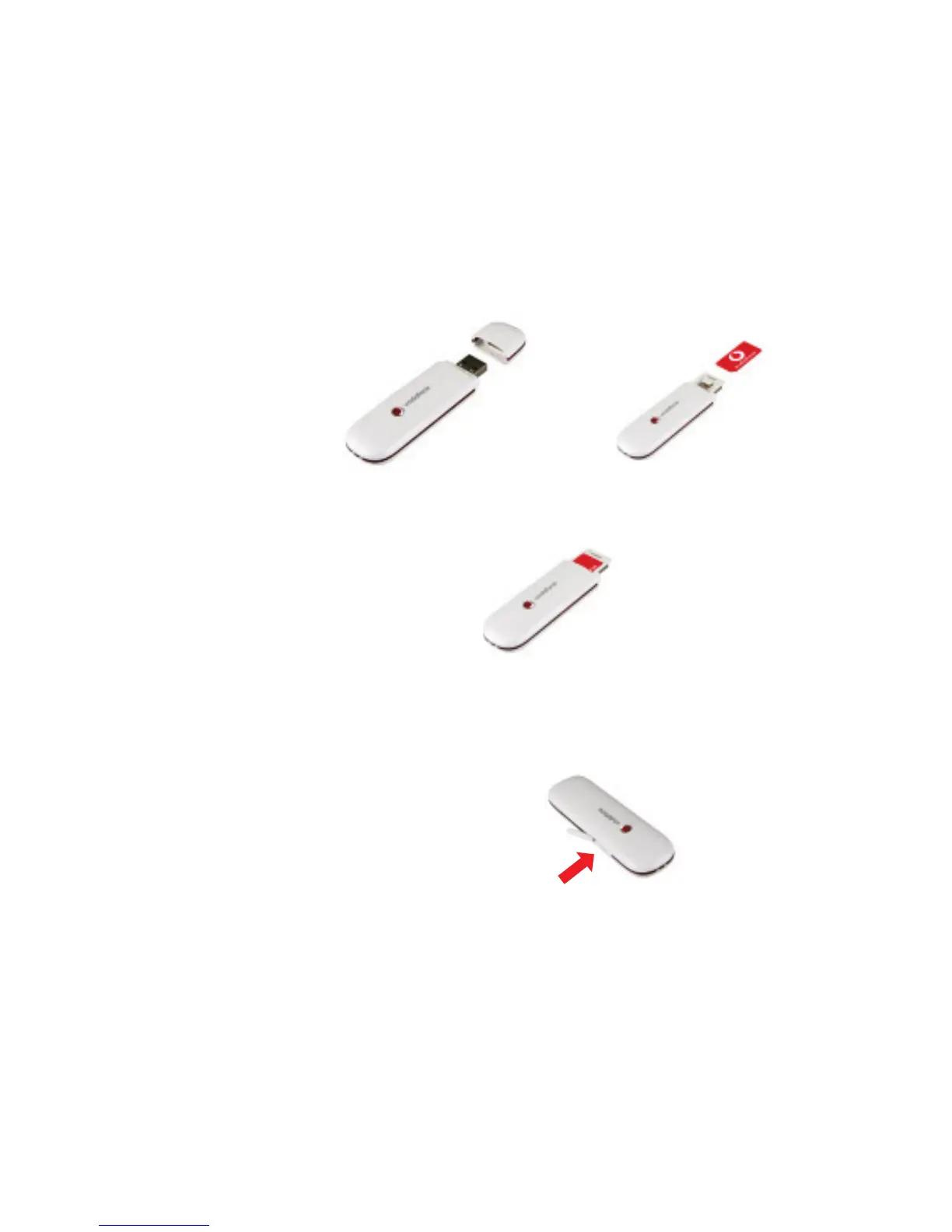
• Remove the cap from the end of the USB Stick. Slide out the SIM
holder from its slot, and insert your SIM as shown.
• Push the SIM holder back into the USB Stick until it clicks.
• If you are using a MicroSD memory card with your Stick (to allow your
Stick to behave as a fl ash memory drive), insert the card as shown.
• Plug the USB Stick fi rmly into your computer’s USB port.
Set up your
USB Stick
SIM card
MicroSD card



 To Next Page