48 49
6.2 Browser
Using Browser, you can enjoy surfing the Web.
To access this function, touch
from Home screen and then touch
Browser icon
.
To go to a web page
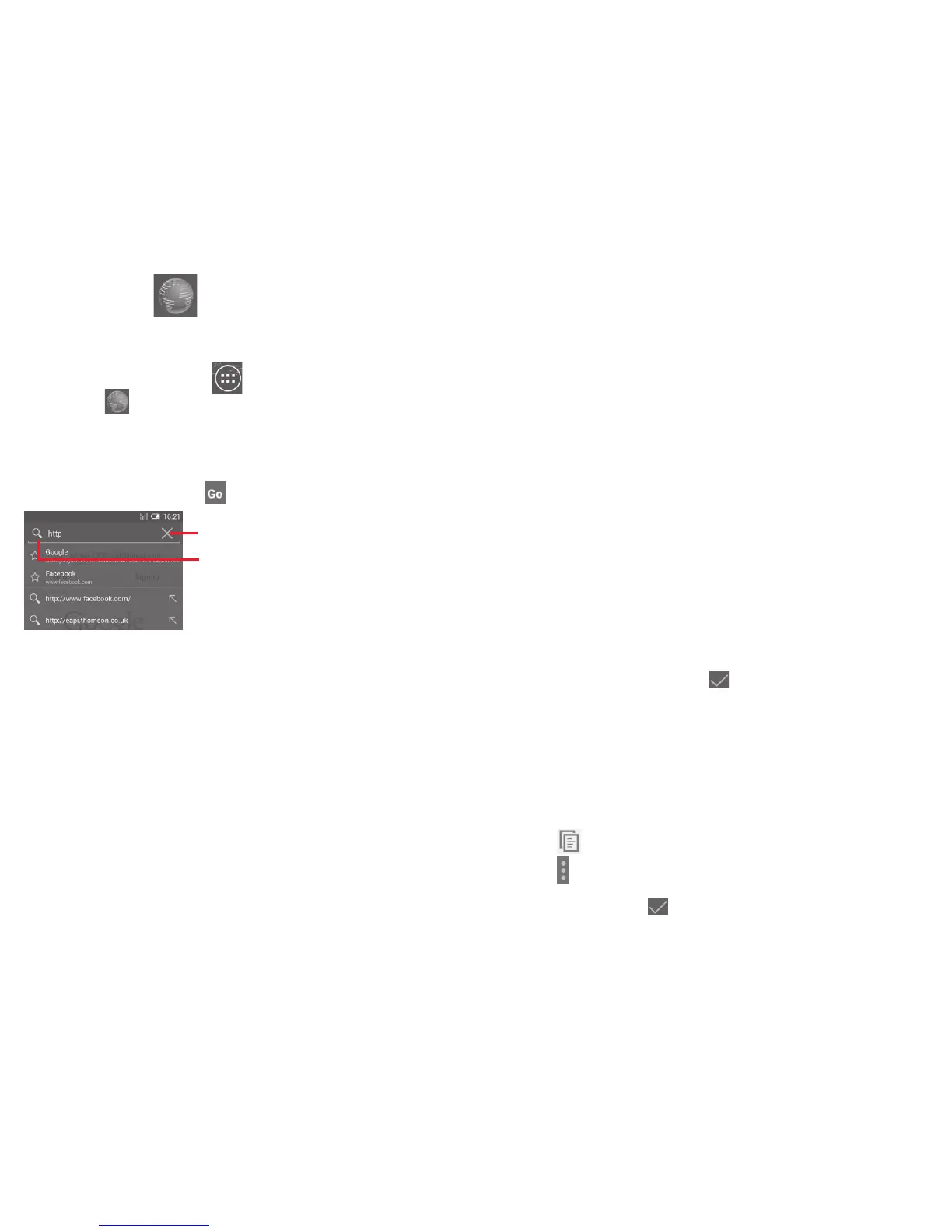
On Browser screen, touch the URL box at the top, enter the address
of the web page, then touch
to confirm.
Touch to delete all contents
Touch to search and go to this address
The URL bar will hide after a few seconds. To show the URL bar,
you can touch and slide down the screen.
To set homepage
• Touch the Menu key from Browser screen to display option menu,
touch Settings\General\Set home page.
• Choose a page or most visited website as your homepage.
• If you choose Other, enter the URL of the website you want to
set as your homepage, touch OK to confirm.
6.2.1 Viewing web pages
When opening a website, you can navigate on web pages by sliding
your finger on the screen in any direction to locate the information
you want to view.
To zoom in/out of a web page
Pinch/Spread your finger on the screen to zoom out/in of the web
page.
To quickly zoom into a section of a web page, double-tap on the
section you want to view. To return to normal zoom level, double-
tap again.
To find text on a web page
• Touch the Menu key from web page screen, then select Find on
page.
• Enter the text or phrase you want to find.
• The first word with matching characters will be highlighted on the
screen, and subsequent matches will be boxed.
• Touch the up or down arrow to switch to the previous or next
matching items.
• When finished, you can touch
or the Back key to close the
search bar.
Further operations for the text on a web page
You can copy, share or search the text from a web page:
• Touch and hold the text to highlight the text.
• Move the two tabs to select the text.
• Touch SELECT ALL to select all words in this web screen.
• Touch
to copy the selected text.
• Touch
to show further actions, including find, share and search
on the page or the web.
• When finished, touch or the Back key to deactivate the mode.


 To Next Page
 Loading...