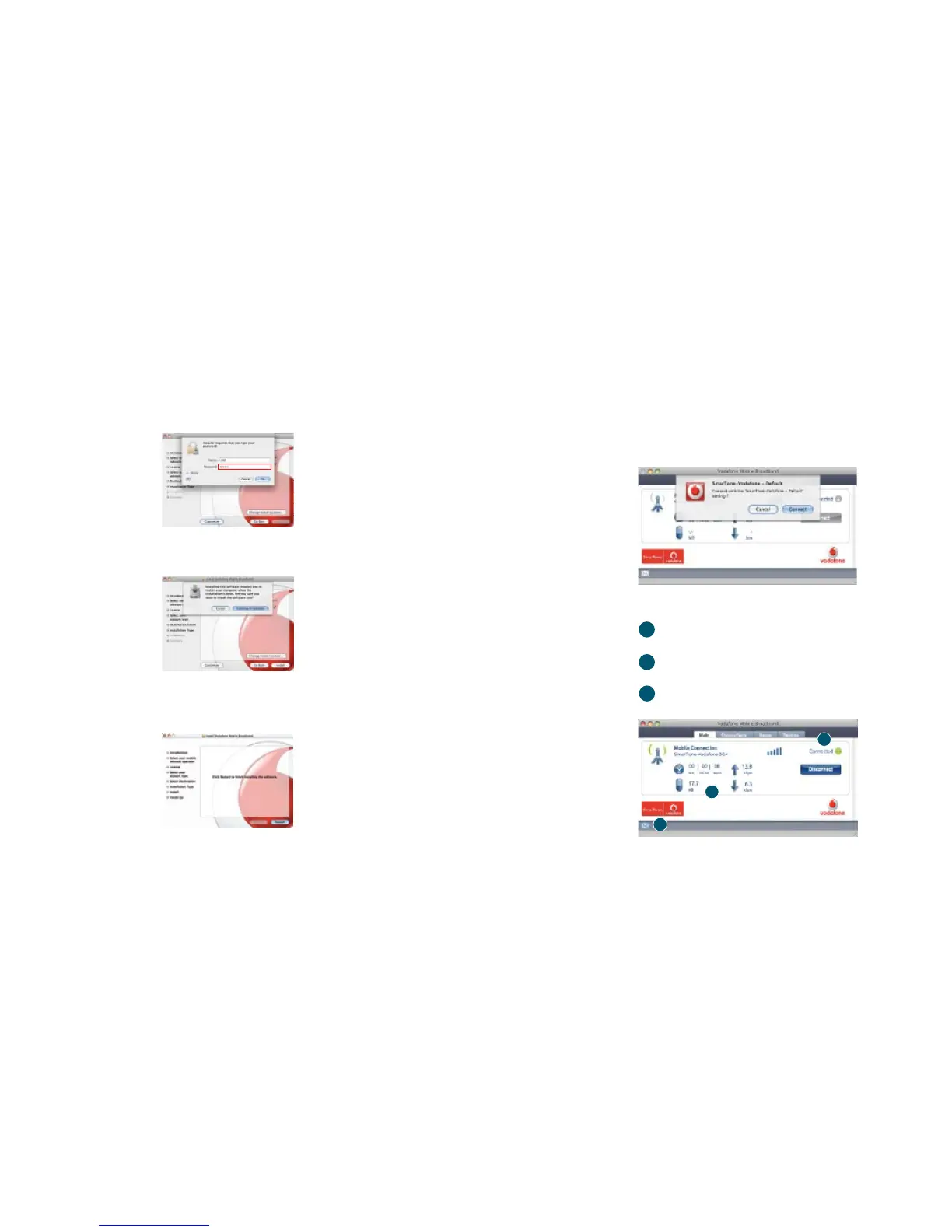
Step 9
Enter the administrator password.
Step 10
Click “Continue Installation”.
Step 11
Once the installation is complete, you will need to click
“Restart”.
To start the application
Software overview
The Vodafone Mobile Broadband window will appear
automatically.
Click “Connect”.
Connect/Disconnect
Connect via the mobile phone network
Status
Check the status of your connection
Start SMS program
Send, receive and manage SMS messages
2
1
3
1
2
3



 To Next Page