EasyManua.ls Logo

Vodafone THG3000 - Vodafone Broadband App and Portal; Vodafone Broadband App Features; Accessing the Online Portal

Vodafone THG3000
8 pages
Print Icon
To Next Page IconTo Next Page
To Previous Page IconTo Previous Page
Loading...
Vodafone Broadband
App
Vodafone
W-Fi Hub online
portaL
@,t,=!
o
11
,3
e
xr F'
li!i|N.Mo*
s -d"-
ts-.-
ql,**
EI-EE.d"
l*a'
"
E-,q.d,
:
6a5E
.d
"
,&
2)
I
usa
J
Ph6.
%hri
0
4u*
6"**
0
-"--
g***"
nxY:*Tr[?', JllTilffi&
r@
@
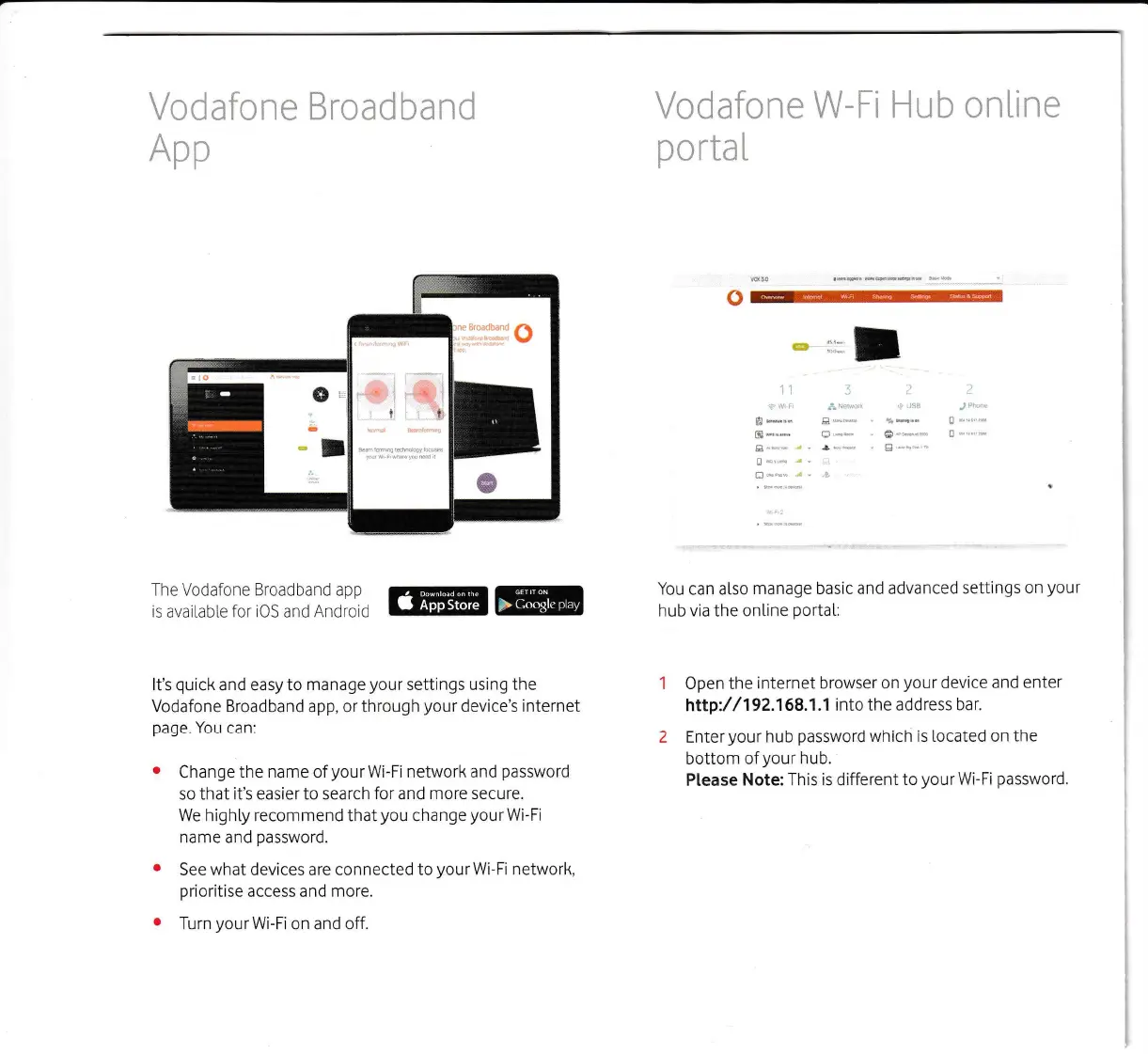
It's
quick
and easy to
manage
your
settings using the
Vodafone
Broadband
app, or through
your
device's internet
page.
You can:
o
Change the
name
of
your
Wi-Fi network and
password
so that it's easier to search
for
and
more secure.
We highty recommend that
you
change
your
Wi-Fi
name
and
password.
o
See
what
devices
are connected to
yourWi-Fi
network,
prioritise
access and more.
e
Turn
your
Wi-Fi on and off.
You
can
also manage basic
and advanced
settings on
your
hub
via
the ontine
portat:
Open the
internet browser on
your
device and
enter
hrq://192.158.1.1
into the address
bar.
Enter
your
hub
password
which is located on
the
bottom ofyour
hub.
Ptease
Note: This is different
to
yourWi-Fi
password.