Page 11 of 16
STEP 9: SIDE AND CENTER MOUNT ASSEMBLY
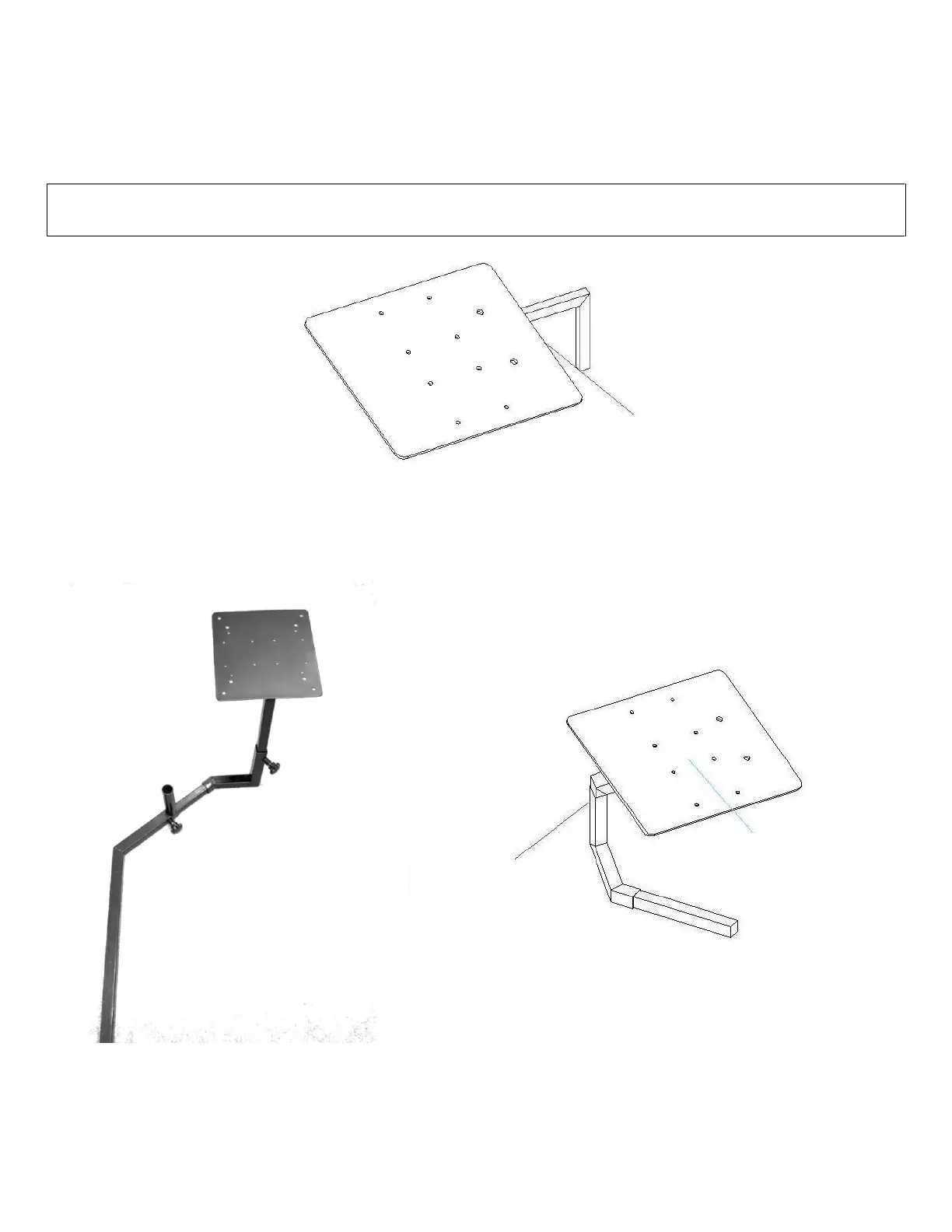
Assemble the left and right side-mounts as shown in FIGURE 9A below. Use M8*16mm Machine Screws with Knobs (No.
5) to tighten the support plates to the L-shaped supports. Next, assemble the center stick mount per FIGURE 9C. Use
FIGURE 9D to visualize the completed orientation of the left, center, and right mounts.
NOTE: YOU MUST USE M8*20MM MACHINE SCREW WITH KNOB (NO .7) AS SHOWN IN FIGURE 9A AND B ON ALL
CORNER ATTACHMENT POINTS AS THE SHORTER (16MM) ONES WILL NOT ALLOW TIGHTENING ALL THE WAY.
FIGURE 9A: LEFT-HAND MOUNT
FIGURE 9B: RIGHT-HAND MOUNT


 To Next Page