Page 2 of 16
Thank you for purchasing the Volair Sim
TM
Universal Flight | Racing Sim Chassis! We hope that it will give you countless
hours of enjoyment. Although we have designed the system
with ease of assembly in-mind, please read these
instructions carefully first.
NOTE: SOME OF THE PARTS MAY VARY FROM THOSE SHOWN IN THE PHOTOS BELOW AS WE CONTINUOUSLY
IMPROVE OUR PRODUCTS. SOME FASTENERS MAY BE PRE-INSTALLED ON THE CHASSIS.
PLEASE VISIT OUR WEBSITE AND YOUTUBE CHANNEL FOR ADDITIONAL INSTRUCTIONS AND TIPS.
THIS MANUAL IS AVAILABLE IN PDF VERSION FROM THE SUPPORT SECTION OF OUR WEB-SITE.
We recommend that you find an open space to carefully unpack and inventory all of the components and mounting
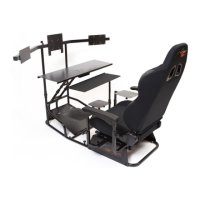
hardware before beginning the assembly process. Please refer to the INSTALLATION DRAWING to verify that you have
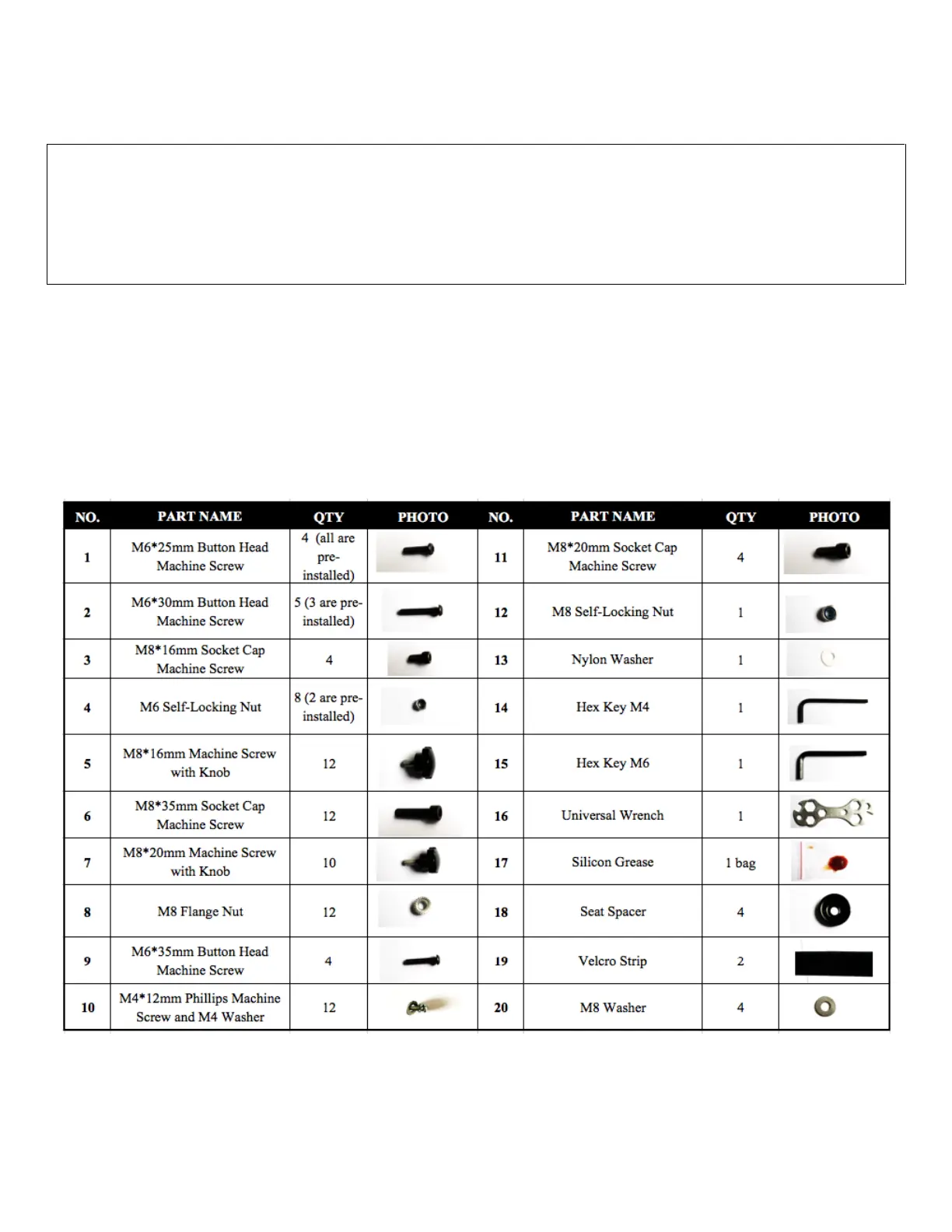
all of the chassis components and TABLE 1 below for all of the mounting hardware. Throughout the assembly process,
please refer to TABLE 1 which references the parts used during each step of the assembly. You should note that all
hardware is metric. Although we provided you with basic tools, we recommend that you also use an adjustable wrench,
Philips screwdriver, and a metric socket set during installation.
TABLE 1: HARDWARE LIST


 To Next Page
 Loading...