04 Comfort and driving pleasure
Menu source MY CAR
04
146
* Option/accessory, for more information, see Introduction.
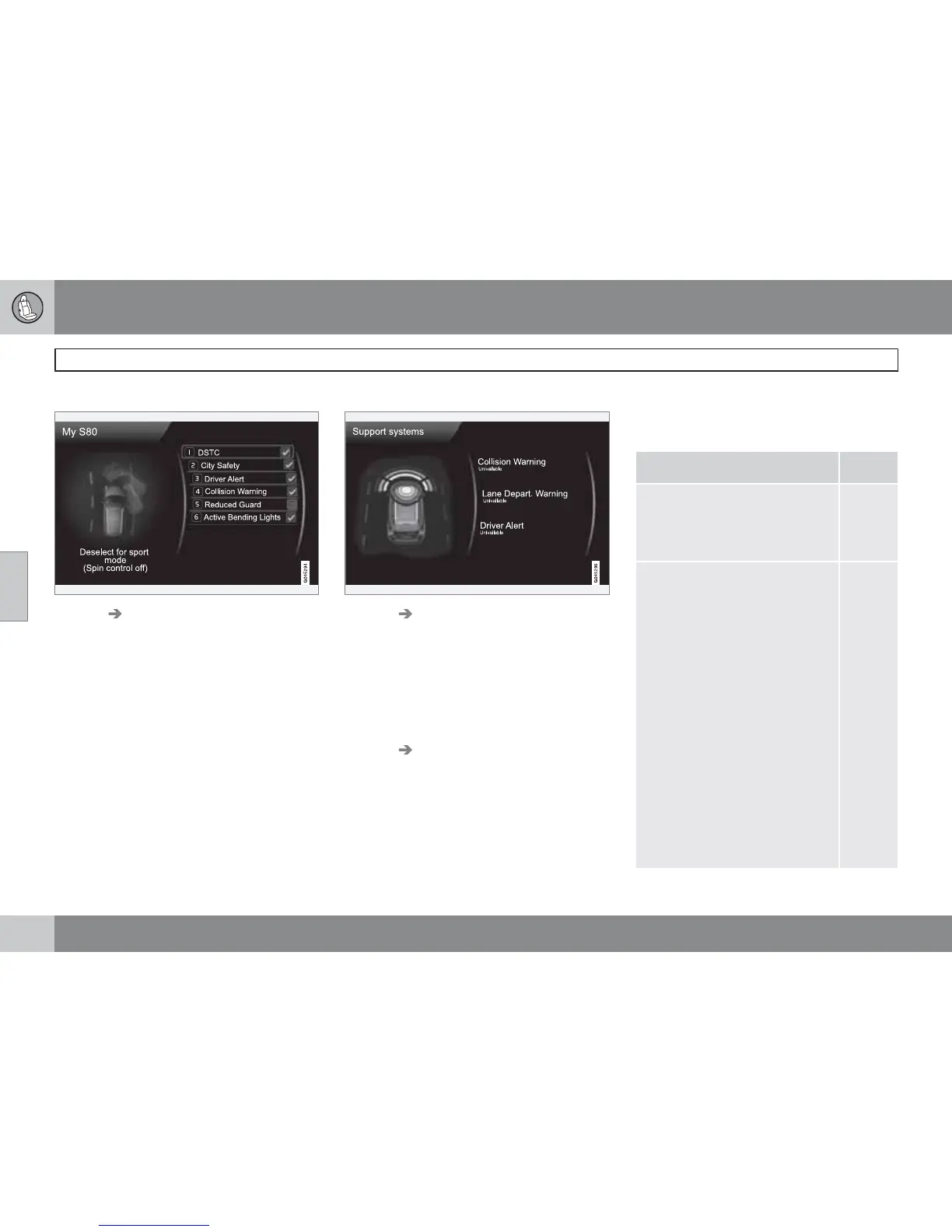
My S80
MY CAR My S80
The display screen shows a grouping of all of
the car's driver support systems - these can be
activated or deactivated here.
My DRIVe*
Parts of Volvo's DRIVe concept are described
here, amongst other things.
•
Start/Stop
•
ECO driving guide
For more information - see page 122.
Driver support system
MY CAR Support systems
(MY CAR > Support systems)
The display screen shows a summary of the
current status of the car's driver support sys-
tems.
Setup - menus
Shown here are the 4 first menu levels under
MY CAR
Settings. Some menus have fur-
ther submenus - these are then described in
detail in their respective sections.
When selecting whether a function should be
activated/
On or deactivated/Off a square is
displayed:
On: Selected square.
Off: Empty square.
•
Select On/Off with OK - then back out of
the menu with EXIT.
Car settings
Car key memory
On
Off
p. 80
and
101
Lock settings
Doors automatic lock
On
Off
Doors unlock
All doors
Driver door, then
all
Keyless entry
All doors
Any door
Doors on same
side
Both front doors
p. 45,
54 and
56



 To Next Page