04 Comfort and driving pleasure
Collision Warning with Auto Brake & Pedestrian Protection*
04
``
* Option/accessory, for more information, see Introduction.
195
Cause Action
The windscreen sur-
face in front of the
camera has been
Wait. It may take
several minutes for
Cause Action
cleaned but the
message remains.
the camera to meas-
ure the visibility.
Cause Action
Dirt has appeared
between the inside
of the windscreen
and the camera.
Visit a workshop to
have the windscreen
inside the camera
cover cleaned - an
authorised Volvo
workshop is recom-
mended.
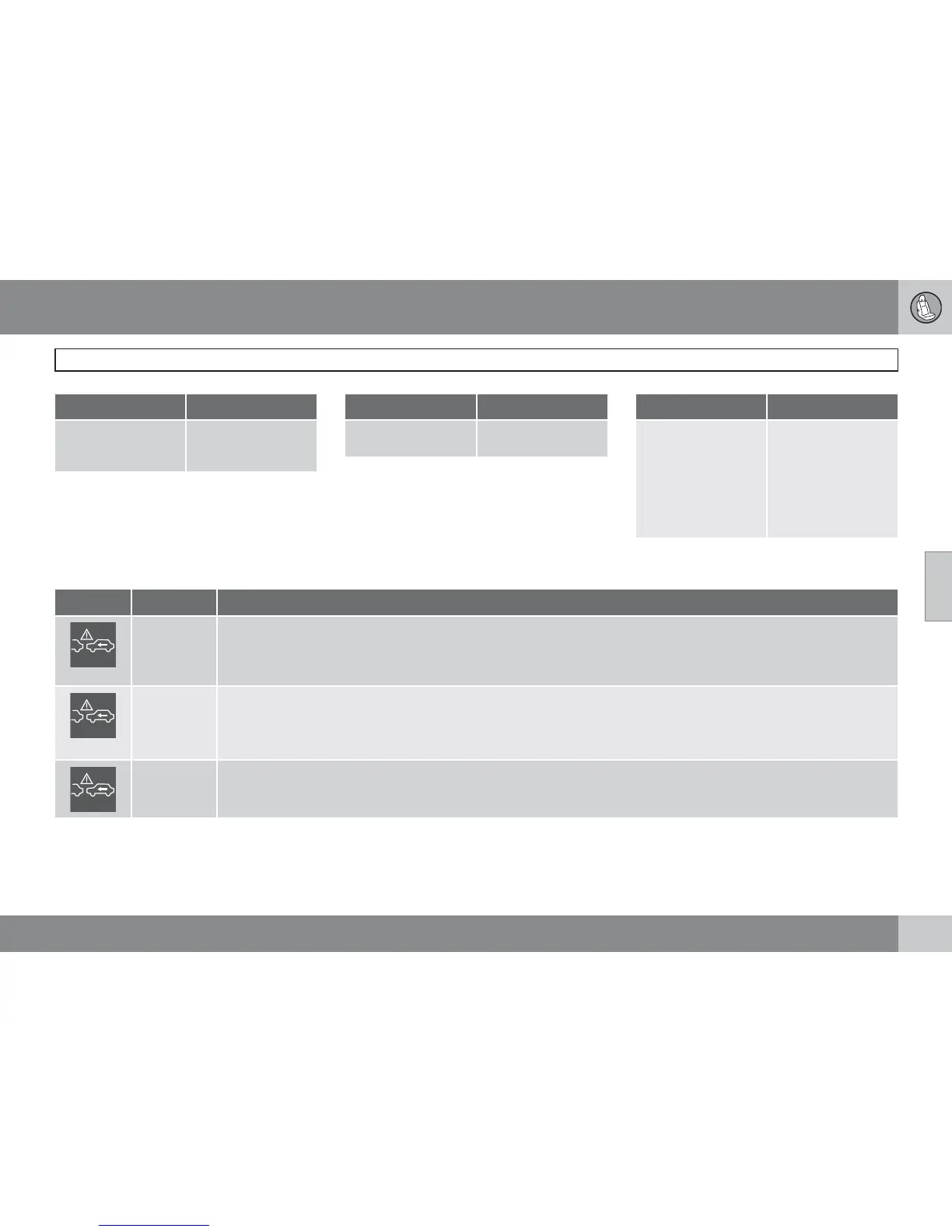
Symbols and messages in the display
Symbol Message Specification
Collis'n
warning
OFF
Collision warning system switched off.
Shown when the engine is started.
The message clears after about 5 seconds or after one press of the READ button.
Collision
warn.
Unavaila-
ble
The collision warning system cannot be activated.
Shown when the driver attempts to activate the function.
The message clears after about 5 seconds or after one press of the READ button.
Auto brak-
ing was
activated
Auto Brake has been active.
The message clears after one press of the READ button.


 To Next Page