DRIVER SUPPORT
291
Activate/deactivate Automatic
Speed Limiter
The automatic speed limiter function (ASL) can
be activated and deactivated as a supplement to
the speed limiter (SL).
Activate ASL
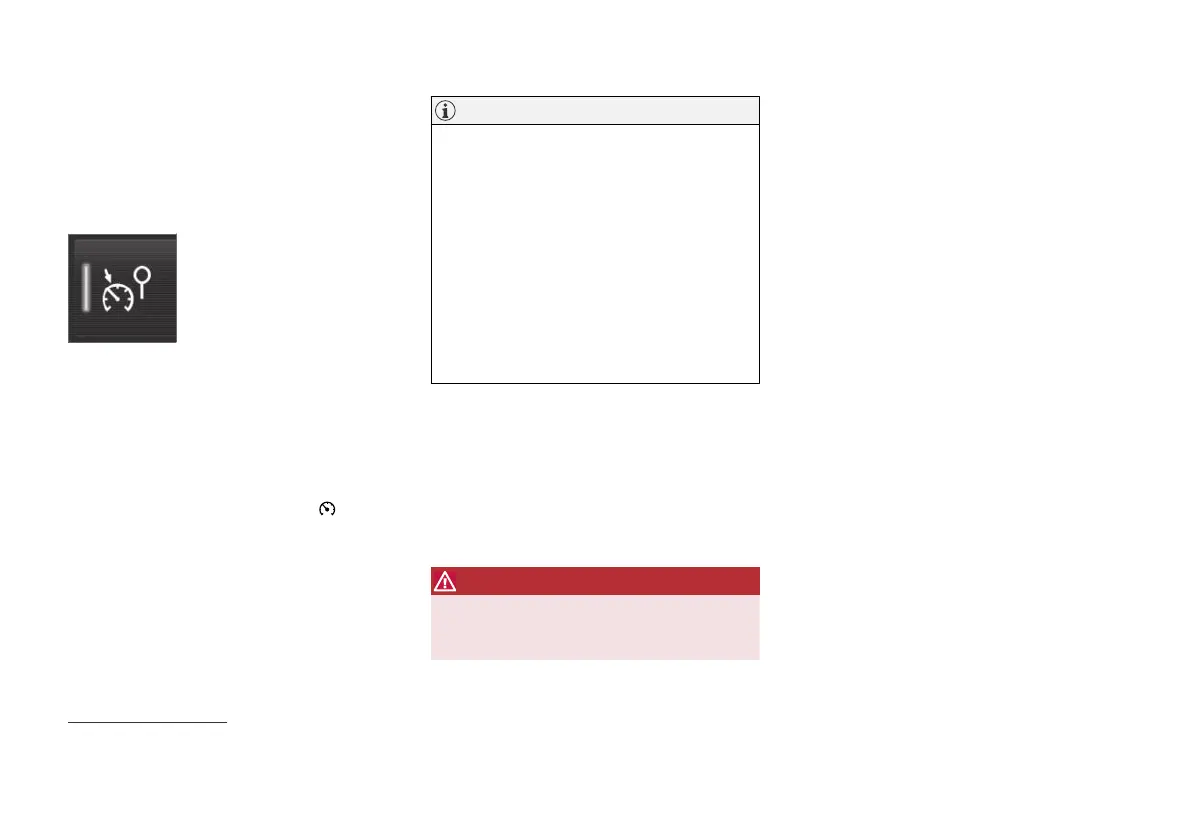
The Speed Sign Assist but-
ton is located in the function
view of the centre display.
To activate the automatic speed limiter:
1.
Press the
Speed Sign Assist button.
> ASL is set in standby mode, a green indi-
cator appears on the button, and the
driver display shows a sign symbol in the
centre of the speedometer.
2.
Press the steering wheel button
.
> ASL is activated with the car’s current
speed.
NOTE
•
If the Automatic Speed Limiter function is
activated, road sign information is shown
in the driver display even if RSI
19
is not
activated.
•
To remove road sign information from the
driver display, you must deactivate both
Automatic Speed Limiter and RSI.
•
When the Automatic Speed Limiter func-
tion is activated but RSI is deactivated, no
warnings are given from RSI. RSI must
also be activated in order to receive
warnings.
Deactivate ASL
To deactivate the automatic speed limiter:
–
Tap on the Speed Sign Assist button in
the function view.
> ASL is deactivated and the button's indi-
cation becomes GREY - SL is activated
instead.
WARNING
After switching from ASL to SL the car will no
longer follow the signed speed limit but only
the maximum speed stored in memory.
Related information
•
Speed Limiter (p. 285)
•
Automatic speed limiter (p. 289)
•
Activating/deactivating Road Sign Informa-
tion (p. 373)
19
Road Sign Information – RSI


 To Next Page
 Loading...