RESET
Vonage Blue
Ethernet Cable
Vonage
Power Supply
Your
Phone Cord
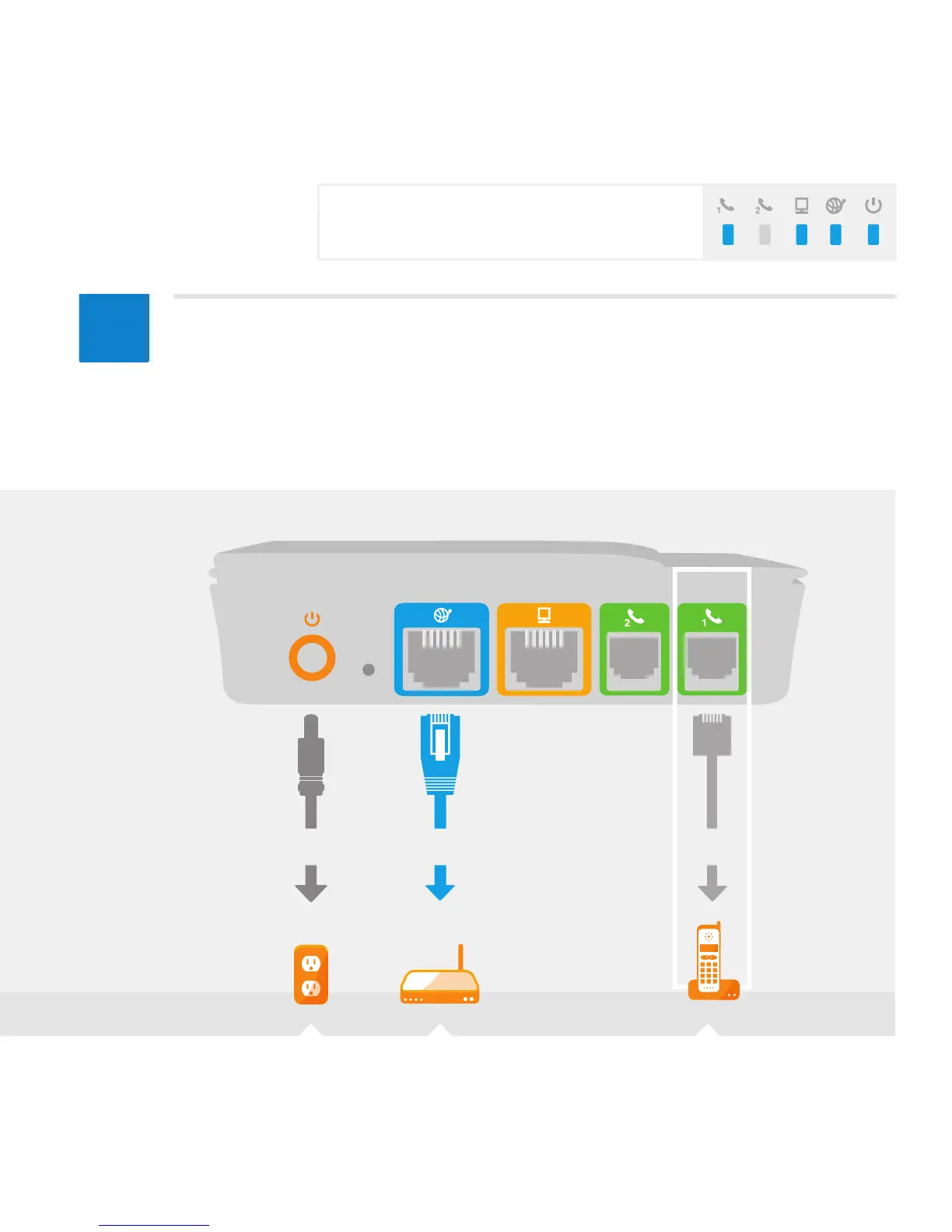
Power Internet Ethernet Phone
1
Phone
2
8
6
RouterAC Outlet Phone
Connect your phone cord to the green port (Phone 1) on the back of
the Vonage Box
TM
and connect the other end to your phone. Listen for
the click to ensure it is rmly in place, and pick up your phone to check for a
dial tone. You are now set to place a call.
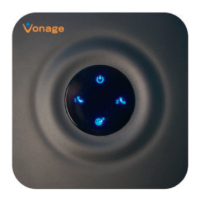
For more help in understanding the blue LED light
sequence that will appear on top of your Vonage
Box
TM
at this point, see page 15.



 To Next Page