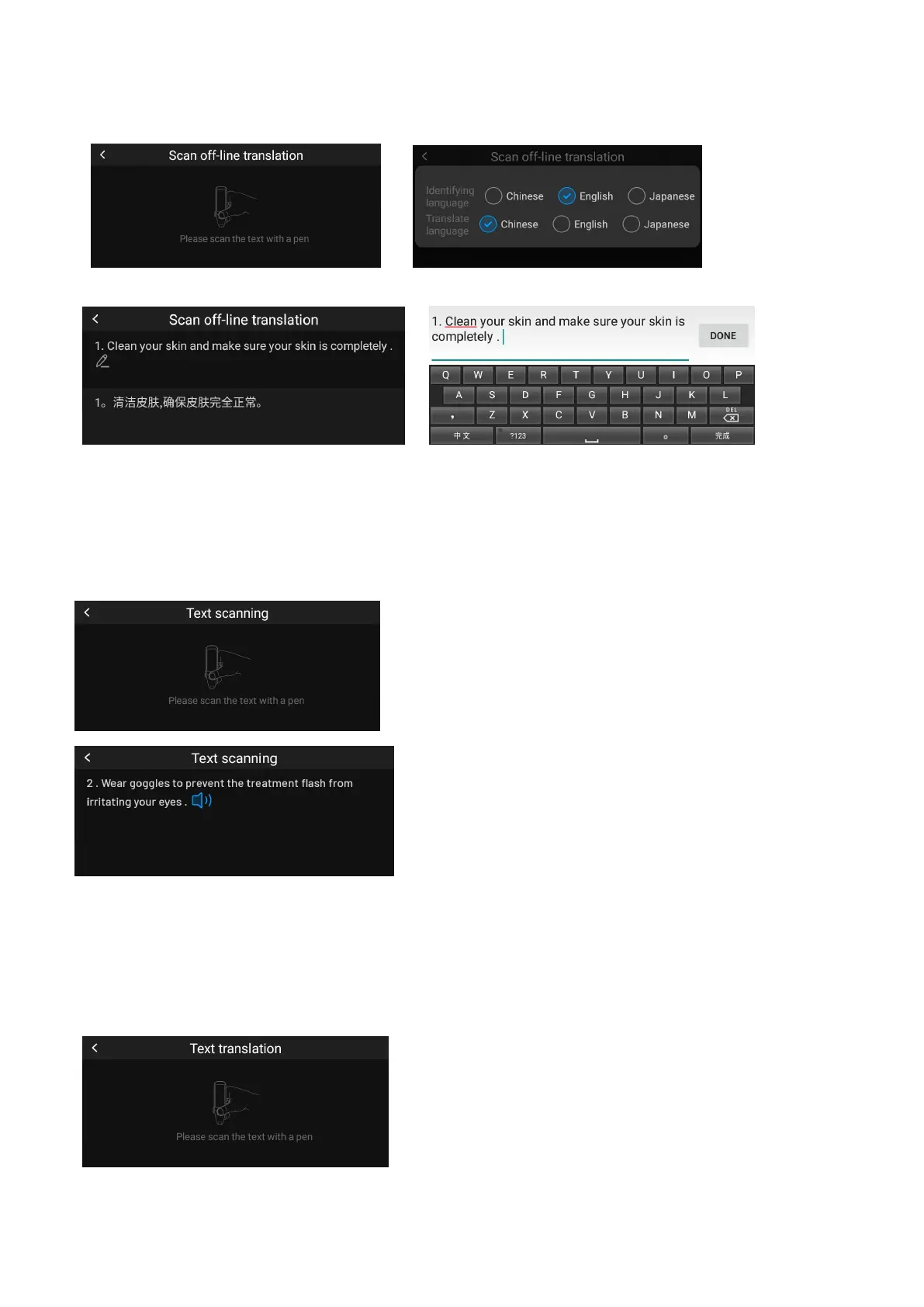
(1)Scan according to the selected recognition language, if the scan result is wrong, you can manually
edit the adjustment.
Text Scanning (requires internet connection)
Support online scanning and reading up to 112 languages (with software upgrades, the supported
languages will increase).
(1) Press the pen to scan, raise the pen to automatically display the results, and click the speaker to
repeat the reading.
Text Translation (requires internet connection)
Support online scan translation in up to 100 languages (with software upgrades, the supported
languages will increase)
(1)In the text translation interface, switch the reading aloud, and select the target translation language.
(2)Press the pen tip to scan, and lift the pen tip to automatically display the results; click the speaker to



 To Next Page