Power on the speaker.
Using the AUX Cable, connect your external device to the
Aux in port on the speaker.
The speaker will automatically turn into AUX IN mode, the
LED Indicators turn solid green.
•
•
•
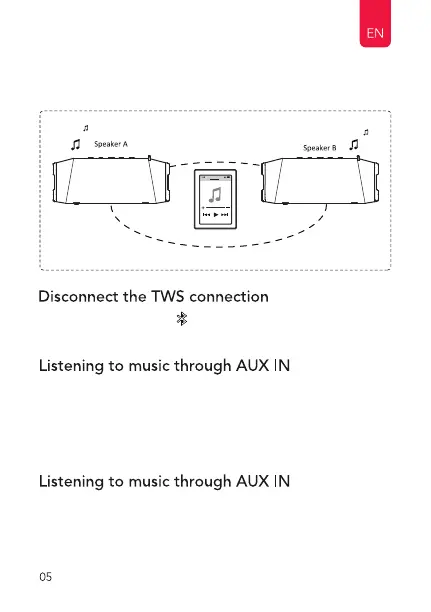
Long press the button " " on the speaker until LED Indicator
fast blinking blue to disconnect the TWS connection.
Once paired, the MAIN speaker LED indicator ashes blue
slowly.
•
Insert the AUX cable plug as AUX IN mode.
Pull out the AUX cable plug and switch to bluetooth mode.
AUX IN mode, the LED indicator keep solid green.
•
•
•


 To Next Page