EN-01
INSTALLING THE CAMERA
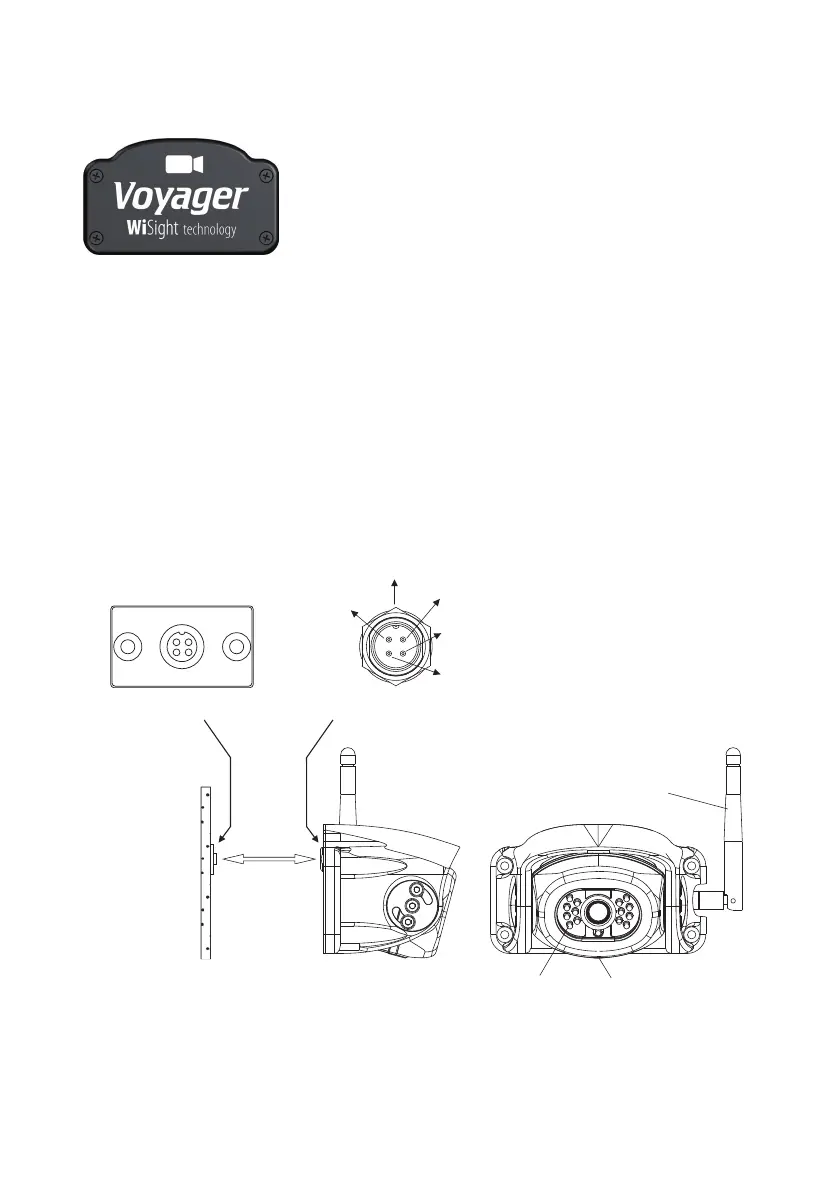
1. Locate the Voyager WiSight technology plate on your RV shown below.
2. Remove 4 screws holding plate in.
3. Underneath, you will see the standard connector shown at the bottom of the page.
4. Connect the camera connector to the connector underneath the plate as shown at
the bottom of the page.
5. Install the camera with the 4 screws that held the plate in.
6. Camera should be adjusted for optimum view before these screws are fully tightened.
Arrow Locking Location
No connection
12V DC
Ground
Cable Connector
End View
Microphone
Antenna Vertical
LED Assisted
Illumination
Standard Connector
No connection
Waterproof Camera Connector
Link


 To Next Page