7
ACTIVITIES
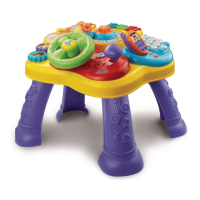
1. Slide the on/off/volume control switch
to turn the unit on. You will hear a playful
sound, a song and a fun phrase. The
lights will flash with the sound.
2. Slide the English/Spanish mode
selector switch to choose which
language you want to play in. You will
hear a playful sound, a song and a fun
phrase. The lights will flash with the
sound.
3. Press the star button to hear fun sounds,
a phrase, a random melody or a song. The
lights will flash with the sound.
4. Press the number buttons once to
learn numbers. Press any of the number
buttons two or more times quickly to hear
an animal sound and fun phrase. The
lights will flash with the sound.
Activities


 To Next Page

