11
POWERING DOWN AND RESTARTING
Press and hold the power button on the viewer to access the power menu.
• To reboot, highlight the reboot entry and activate it.
The viewer will power off and automatically turn back on.
• To fully power off, highlight the power off entry and activate it. The viewer will
ask you to unplug the USB cable. After you unplug the cable the viewer will fully
power off. Leave the cable disconnected while the viewer is off. The battery will
power off as soon as it’s unplugged.
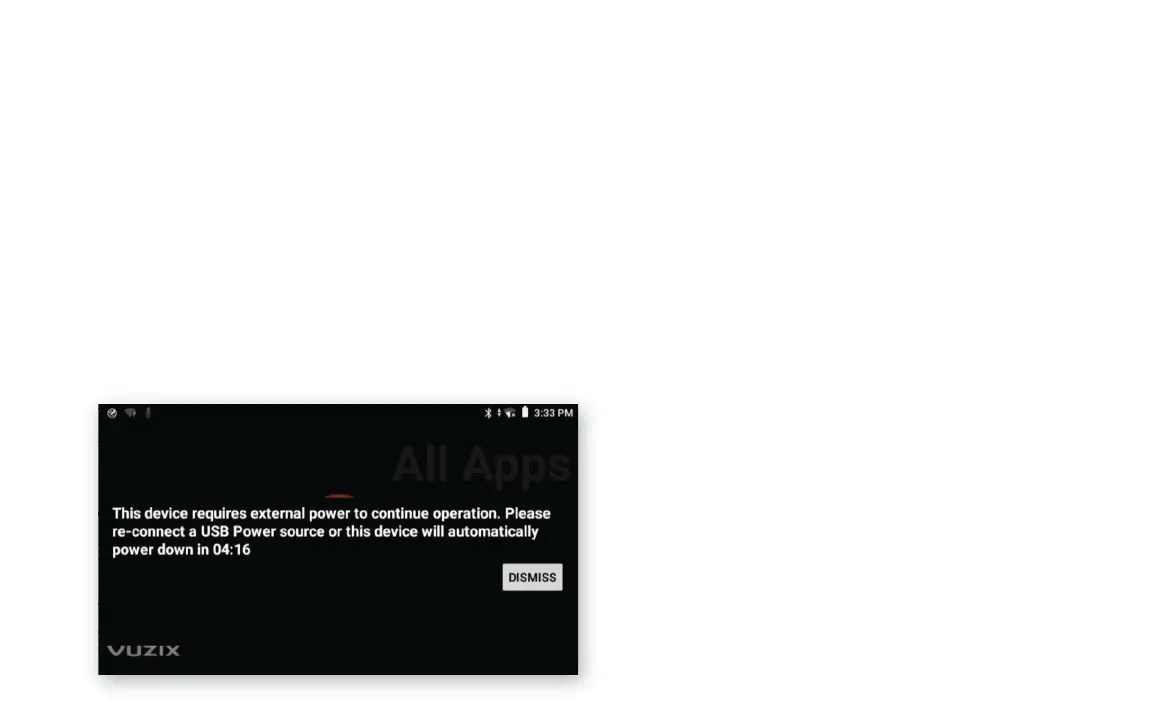
If the USB cable is unplugged the device will power off after about five minutes. If the
internal battery is already discharged this may occur sooner.



 To Next Page