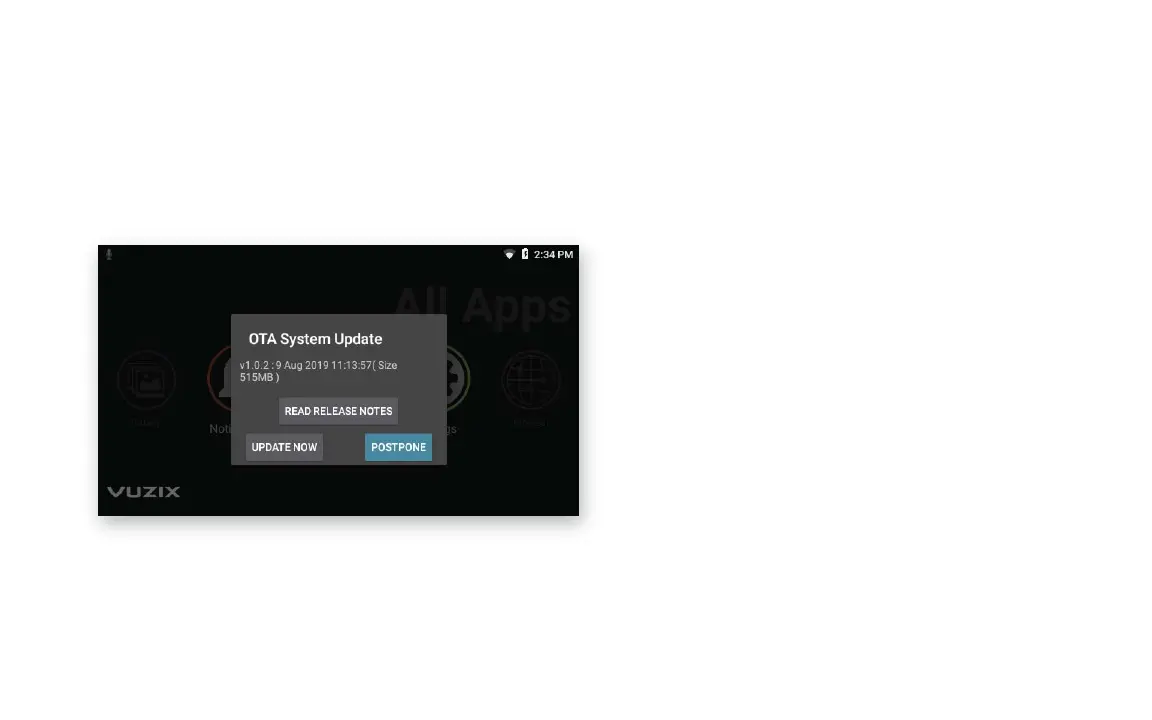
GETTING THE LATEST UPDATES
The M400 will automatically check for updates once it is connected
to Wi-Fi. Click Update on the following pop-up.
NOTE: If your corporate firewall prevents access to the external
website, your system administrator may provide additional settings
for your M400 or may provide a software update offline.
15



 To Next Page