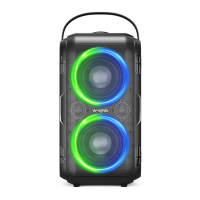
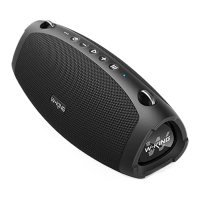
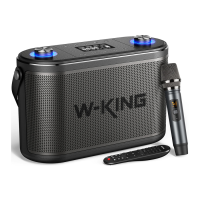
True Wireless Stereo Pairing
Left
True Wireless Stereo
Right
I .Turn on both of your D9-l speakers simultaneously, you will see blue
LED indicator flashes rapidly on the two devices
2.SeIect one speaker as the leading speaker, double press the ON/OFF
button to start pairing.
3.After SUCCeSSfUlIypaired, the blue LED indicator of the leading speaker
flashes slowly and the secondary speaker LED keeps bright blue
4.Turn on your phone's Bluetooth, search "W-KING D9-l " and connect.
The blue LED indicator of the leading speaker keeps bright. The two
speakers will play music simultaneously when complete pairing
5.To disconnect True Wireless Stereo pairing, press the volume button
"+" and "-" at the same time, you will see blue LED flashes rapidly on the
secondary speaker, that means True Wireless Stereo unpaired success-
fully
* Note: Please pair the speakers first, then turn on Bluetooth on your
device. Don't turn on Bluetooth first then pair the speakers.
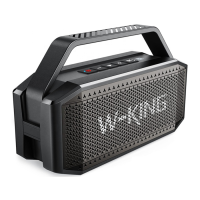
Because of the shortage of chips in the whole market, we have two
version D9 speakers."W-KlNG D9" and "W-KING D9-1 " are the different
version speaker. They could not be paired in True Wireless Stereo mode.
True Wireless Stereo function only works under the same Bluetooth
name. We may not sell "W-KING D9" any more.
06


 To Next Page