Actions
True
wireless
Stereo
Connection
between
two
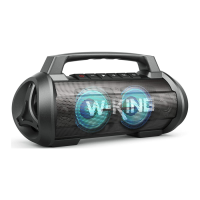
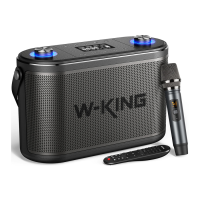
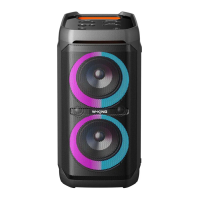
W-KING Tl I
speakers
Connect
with
mobile
Disconnect
true
pairing
Operation
Select one speaker as the Master
speaker,and Shortpressthe " X
button (any machine) in any mode,
Enter True wireless stereo paring
mode, True wireless stereo paring
default search time is one minute,
if not connected for one minute, it
will automatically exit True wireless
stereo paring.
successfully connection
When True wireless stereo paring
successfully connected, turn on
your phone's Bluetooth, search
"W-KING Tl 1" and connect the
Master speaker.
When True wireless stereo paring
successfully connected, Short
pressthe " X " button, the true
wireless stereo will be disconnected.
LED status
Master speaker :
Blue and Green LED flash
Slave speaker:
Blue LED stays on.
The Blue LED indicator
of the Master speaker
flashes slowly and the
Slave speaker LED keep
bright blue.
Master and Slave
speaker LED keeps
bright blue
Master speaker:
Blue LED flashes.
Slave speaker:
Blue LED flashes.
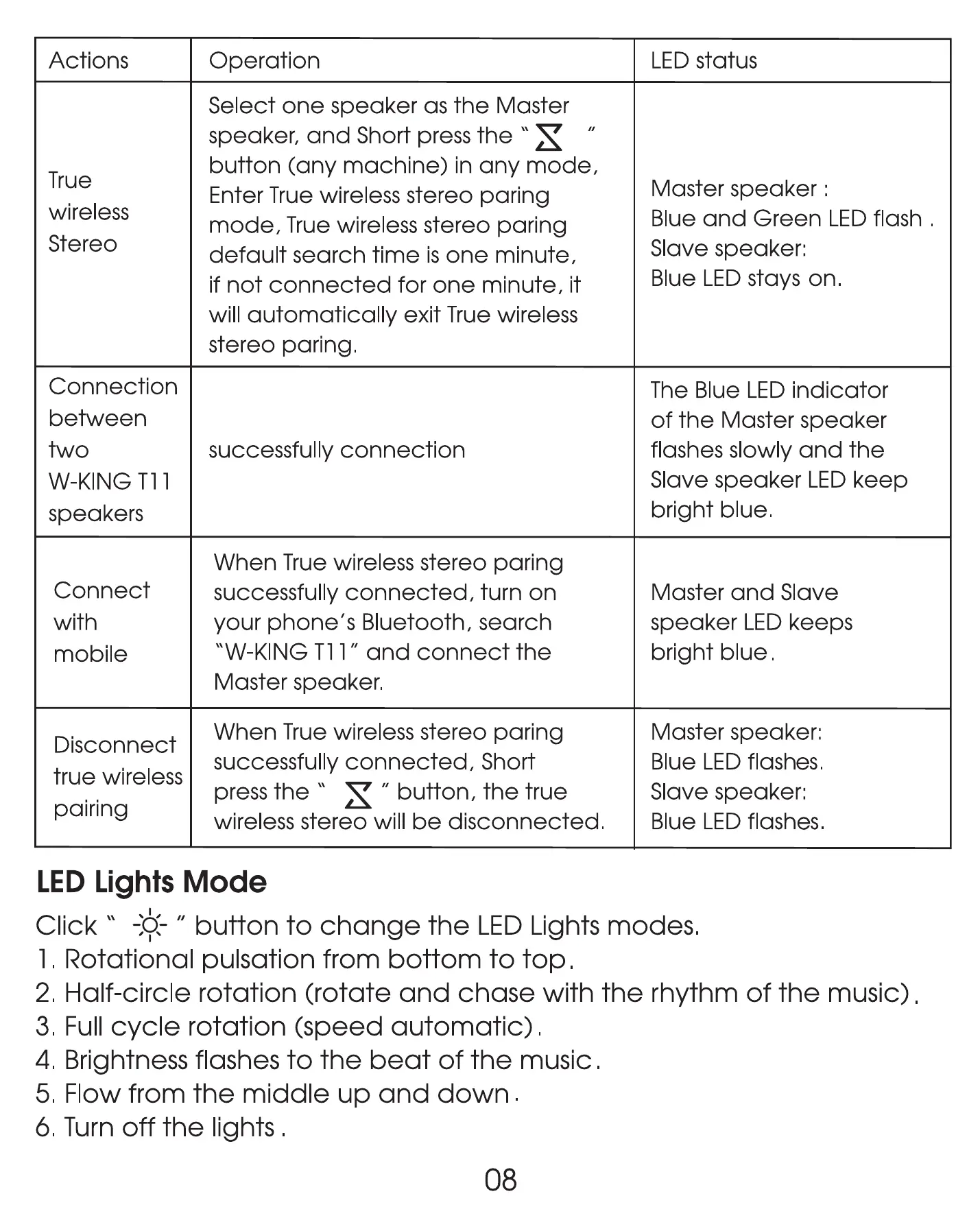
LED Lights Mode
Click" -k- " buttonto change the LEDLightsmodes.
1. Rotational pulsation from bottom to top.
2. Half-circle rotation (rotate and chase with the rhythm of the music)
3. Full cycle rotation (speed automatic) .
4. Brightness flashes to the beat of the music.
5. Flow from the middle up and down .
6. Turn off the lights .
08


 To Next Page