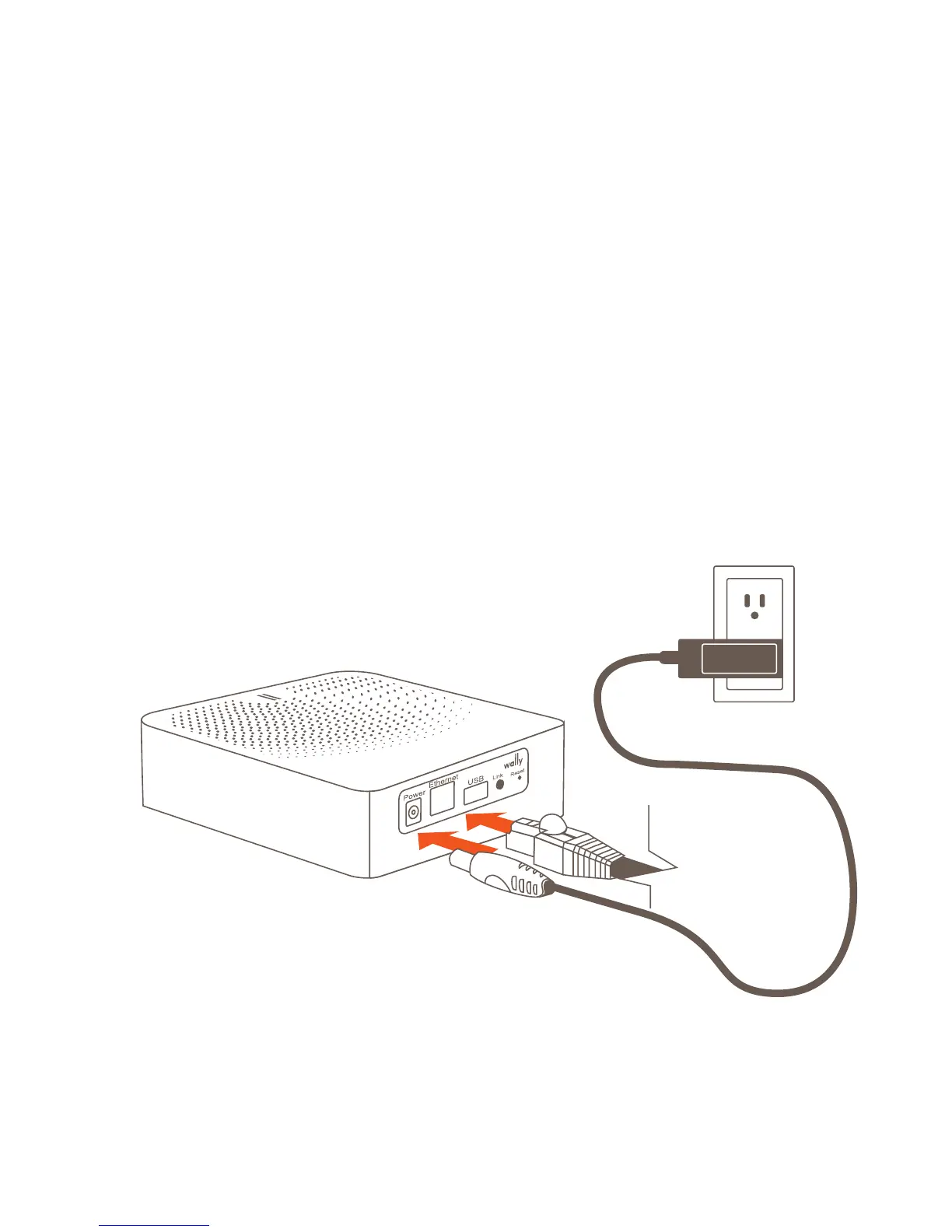
Simple Hub Setup
Install the Wally Hub in a location that is central to where your Wally
Sensors will be located.
• Plug in the power adapter to an outlet and attach the power
connector to the back of the Wally Hub
• It is recommended that you connect your Wally Hub using the included
ethernet cable. Optionally, you may connect using WiFi by following the
instructions in the Wally apps
• Continue setting up your Wally Hub by downloading the Wally app or
going to my.wallyhome.com and follow the instructions
Power
Connector
Power
Adapter
Ethernet
Cable



 To Next Page