Page 21
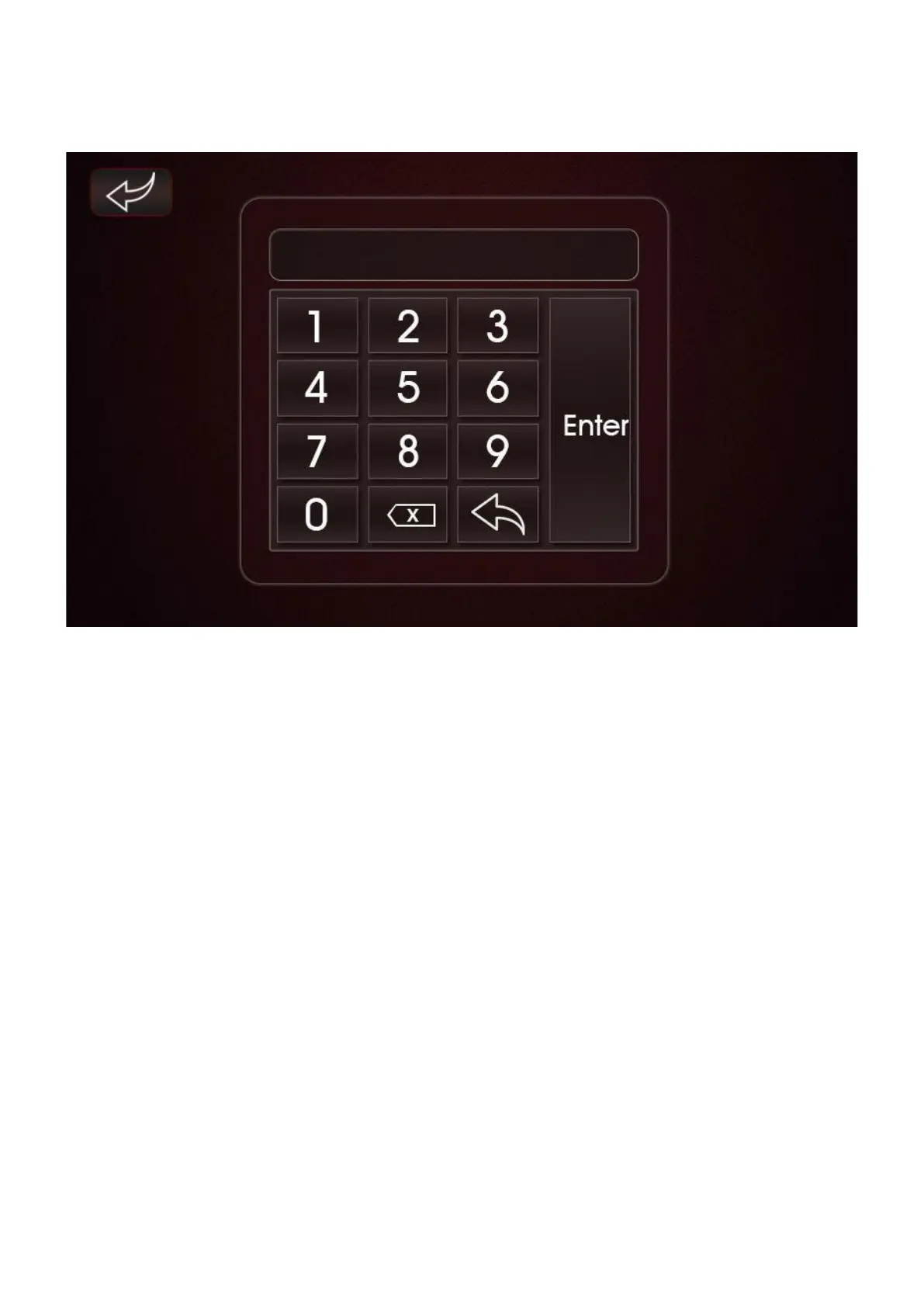
Factory – Press this button to enter the Factory Settings Password Screen. The Password
Screen is shown below.
Figure 16 Factory Password Entry Screen
Enter Password ‘0022’ to enter the Engineer Parameter Sub-Menu.
NOTE: This Sub-Menu should only be accessed by a suitably trained engineer. Modifying
parameters can cause operating errors and malfunction of the unit. The Factory Sub-Menu
Screen is shown below and contains 4 further Sub-Menus.



 To Next Page