4
About the Firebox Status Lights
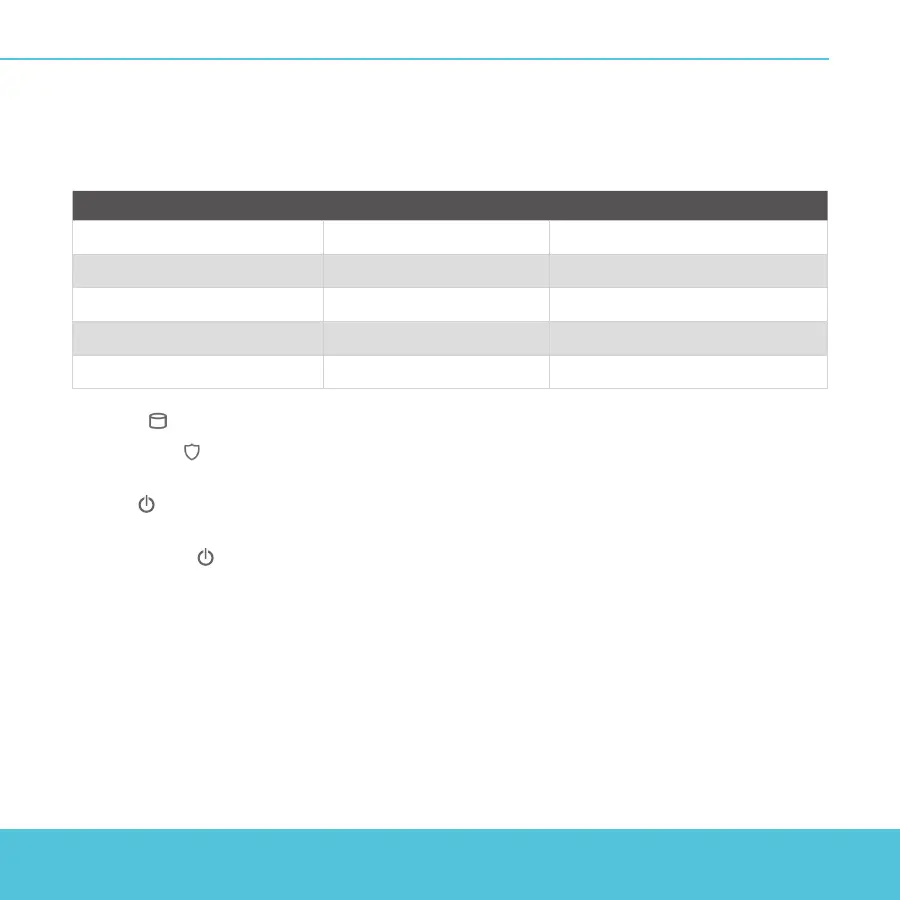
Indicators for RJ45 interfaces
Interfaces 0 - 7 each have two indicators. The right indicator shows the interface connection status.
The left indicator shows interface activity.
Indicator Indicator color Interface Status
Connection (right) Yellow Link at 1000 Mbps
Green Link at 100 Mbps
Not lit Link at 10 Mbps or no link
Activity (left) Yellow, blinks Power on, network activity
Not lit Power o, no connections
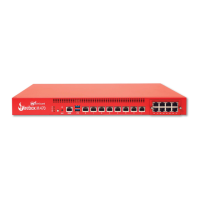
Storage ( ) – When there is activity on the mSATA card or hard disk, the storage indicator is yellow.
Arm/Disarm ( ) – When the Firebox is armed and ready to pass trac, this indicator is green.
When the Firebox is powered on, but not ready to pass trac, this indicator is red.
Power ( ) – The power indicator on the left front of the Firebox is green when the Firebox is
powered on.
Power Button ( ) – The Power button on the front of the Firebox is lit to indicate power status. It is
green when the Firebox is powered on, and red when power is available, but the Firebox is powered
o. When the Power button is red, press this button to power on the Firebox. When the Power button
is green, press and hold it for ve seconds to power o the Firebox.


 To Next Page