pg.10
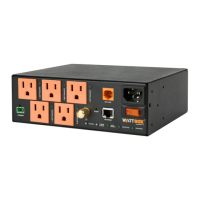
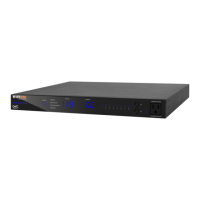
WATTBOX™ 800CH1U-IPVM-8 Quick Start Guide
CLAIMING THE WATTBOX ON OVRC
e WB-800 has many powerful features that are accessed through OvrC, our award-winning remote
management tool.
If you are not familiar with OvrC, visit OvrC.com. To nd training for OvrC, log in to SnapAV.com, click on
the Training tab, and then launch Snap University.
Finishing Setup with OvrC
1. Ensure the WB-800 is connected to the internet via your router or network switch.
2. Log in to your OvrC account.
3. Add the WB-800 by entering its MAC address and service tag (ST) number.
You can now complete setup through OvrC. Ensure your rmware is up to date, schedule automatic reboots,
set up power-on delays, etc.


 To Next Page
 Loading...