Game HAT User Manual
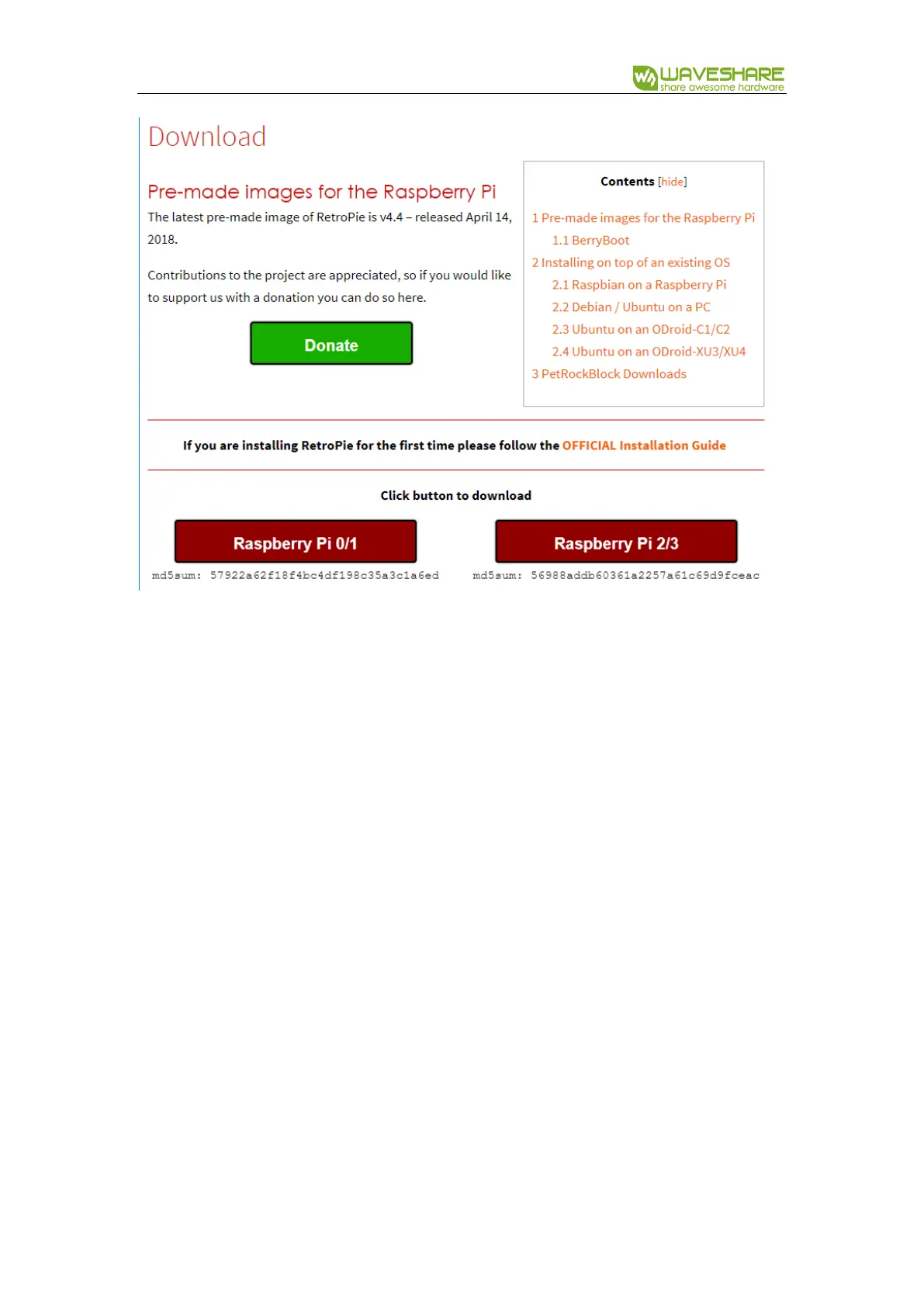
1) Download and unzip it to get .img file
2) Write the .img file to TF card by Win32DiskImager.exe
3) After writing, copy Game HAT driver you download to root directory of the TF
card.
4) Open the config.txt file which is also on root directory, append these statements to
config file
hdmi_force_hotplug=1
hdmi_group=2
hdmi_mode=87
hdmi_cvt=640 480 60 1 0 0 0



 To Next Page