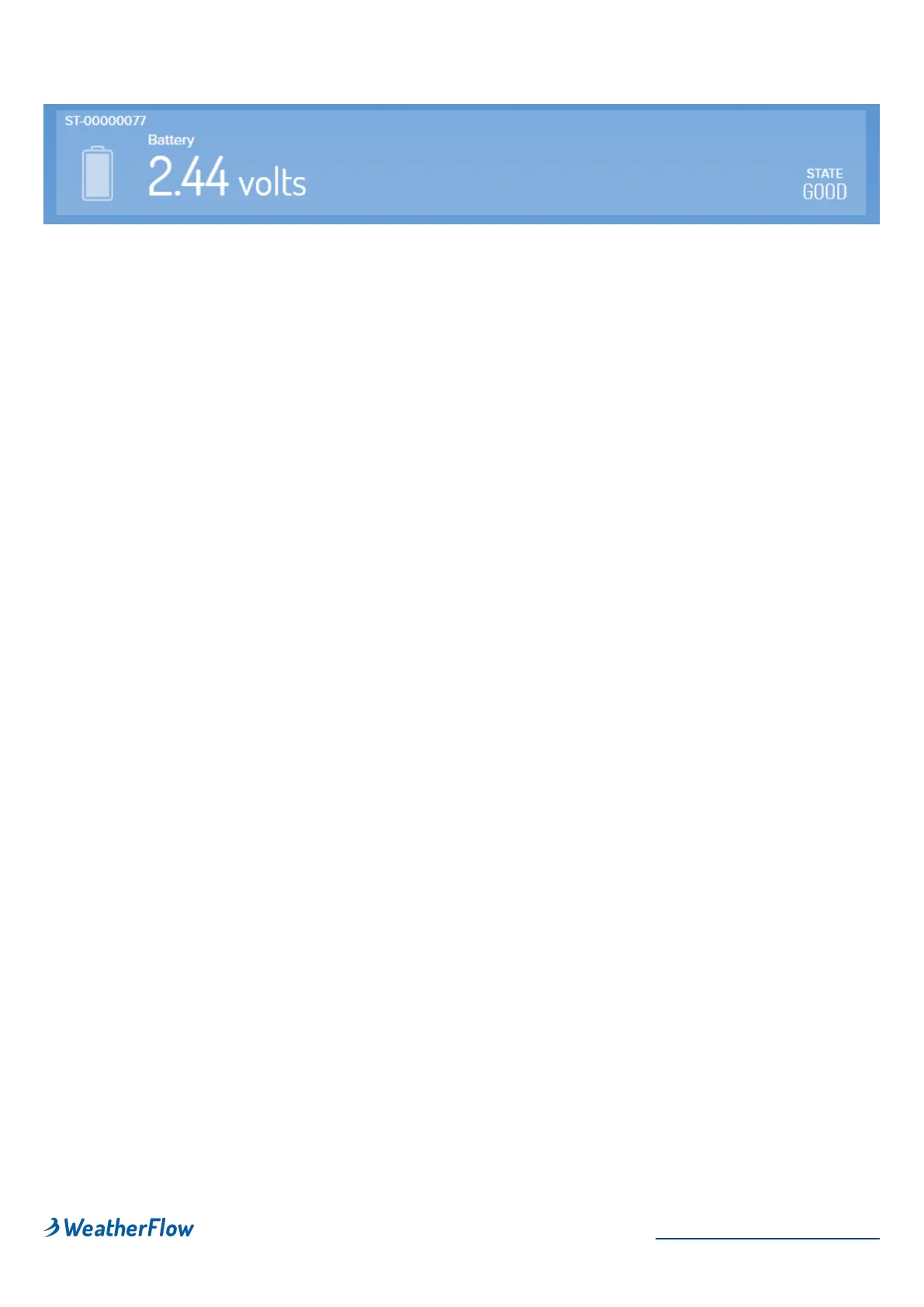
Battery Card Display
You can display a device's battery voltage in the app. To enable a battery card
indicator on the data display, go to Settings > Stations > (choose a station) >
Advanced > toggle Enable Battery Card
If you're watching the voltage level (because you are a true weather geek!), it
may appear the Tempest is not charging even when the sun is out. That's
because there is a "start-charge" threshold that must be reached before charging
begins. This prevents the battery from going through a multiple charge cycle "yo-
yo" during the day. Don't worry, that's normal. Every battery is a little different, but
once it starts charging it will continue until the sun is no longer shining or it gets
to a maximum of around 2.7 or 2.8 volts. From there, with no further input, it will
decrease relatively quickly (over a couple hours) to around 2.6v, and then very
slowly from there until the cycle starts again when the sun comes back out. This
is perfectly normal too!
Power Save Modes
Mode 0: Voltage ≥ 2.455
•
All sensors enabled and operating at full performance
Mode 1: Voltage ≤ 2.415 from Mode 0 or ≥! 2.41 from Mode 2
•
Wind sampling interval set to 6 seconds
Mode 2: Voltage ≤ 2.39 from Mode 1 or ≥! 2.375 from Mode 3
•
Wind sampling interval set to one minute
Mode 3: Voltage ≤ 2.355
•
Wind sampling set to 5 minutes
•
All other sensors' sampling interval set to 5 minutes
•
Lightning sensor disabled
•
Haptic Rain sensor disabled
Need some simple installation ideas? Check out some simple
installation example! esempi di installazione!


 To Next Page