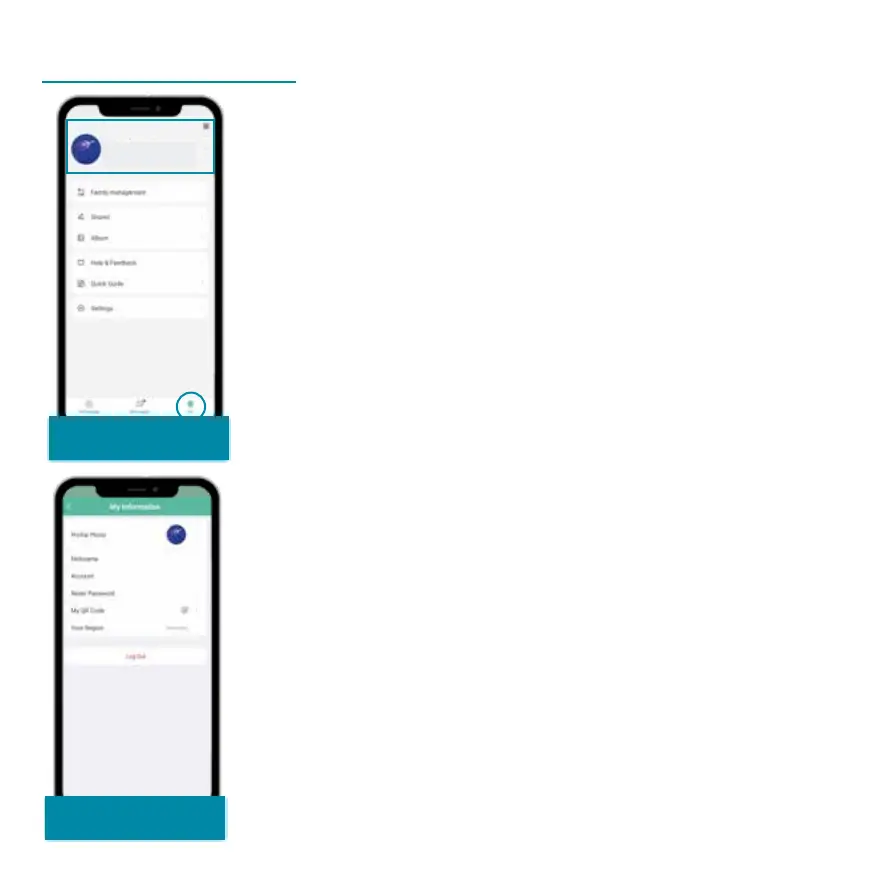
Share your devices with
friends and family.
Album: Locally saved images and videos
are displayed here.
Settings: System settings for the app.
Your user account can be deactivated
here.
Select ‚Me‘
Click on your name and email address in
the header to view the ''
page. Here you can change your account
details and view your QR code for sharing
devices. You can Log Out from your
Account here as well.
Account
Information


 To Next Page