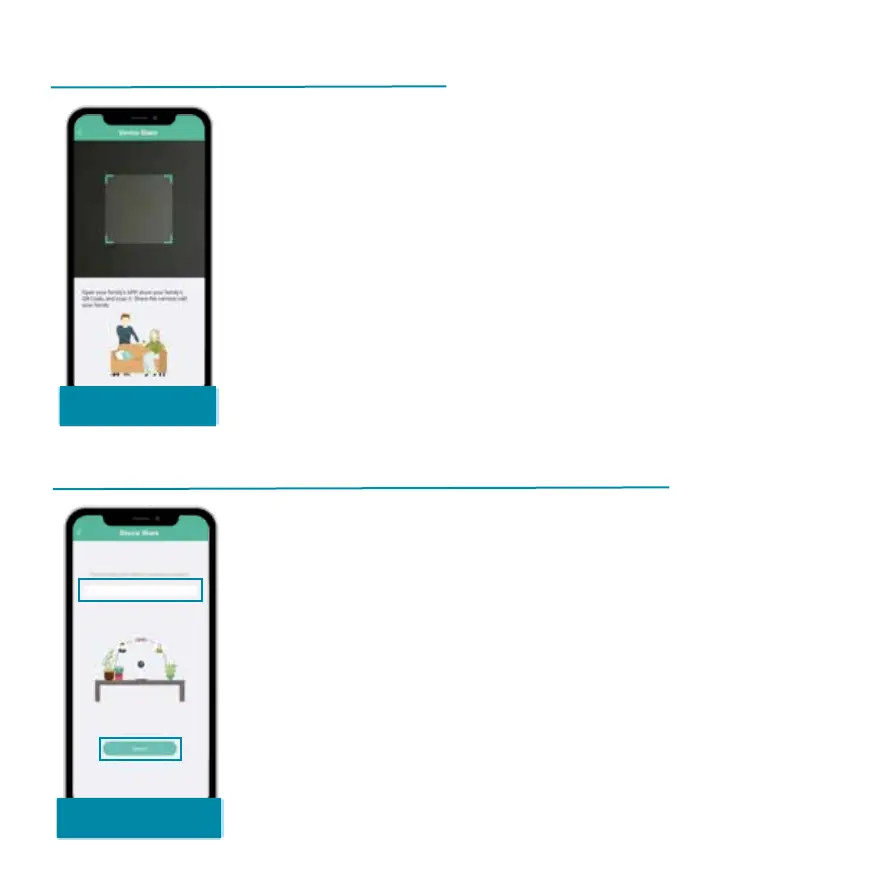
Scan the QR code of the new user with
your smartphone. For this, the new user
needs to download app and create a
user account. You can find the QR code
in 'My account' under 'My information'
Alternatively, you can simply enter the
username of the new user and search
for it. Once the user account is found,
you can click on it and share your
device.


 To Next Page