EasyManua.ls Logo

Weber Protect Cardea - Alexa Connection

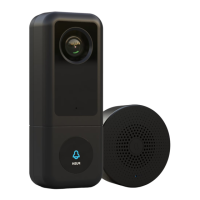
Weber Protect Cardea
Print Icon
To Next Page IconTo Next Page
To Previous Page IconTo Previous Page
Loading...

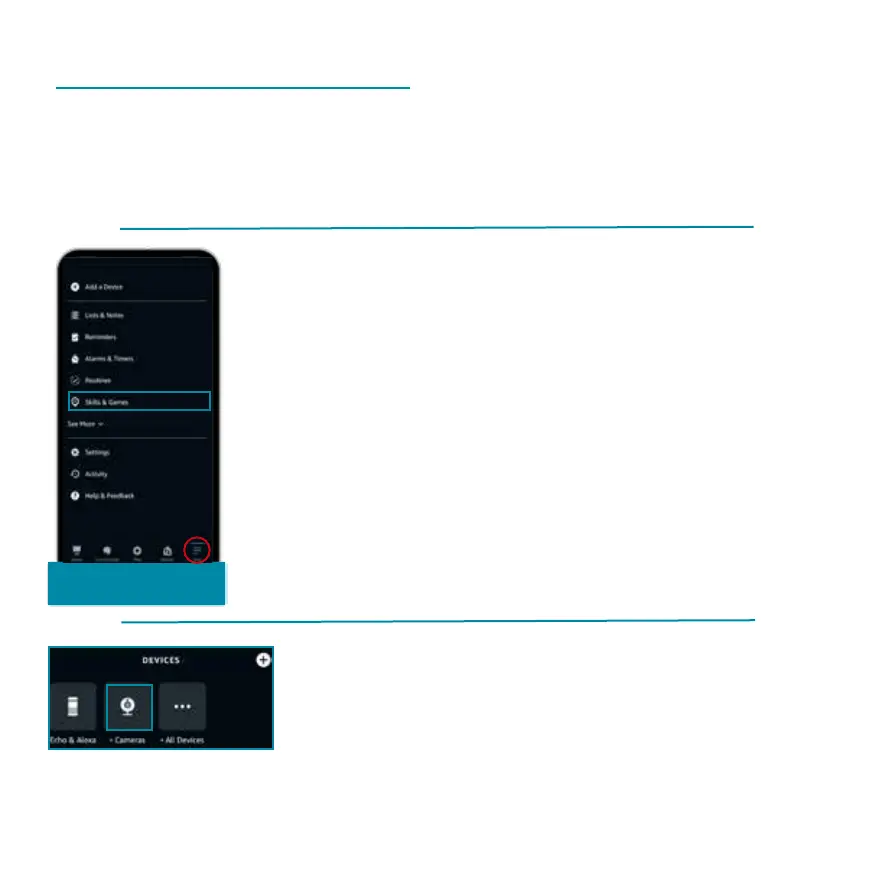
The Cardea video doorbell can be connected to your Alexa
Show device. To connect the Cardea with Alexa, follow the

More/Skills

'More' at the bottom of the menu.
'Skills and Games'.
'CloudEdge' skill.



Once you have logged into the Cloud-
Edge Skill, the Cardea will be added
automatically. The Cardea is displayed
with its device name under  and 'Cameras'.

